Mobile CT Image Quality
What Image Quality To Expect From Your Mobile CT Rental
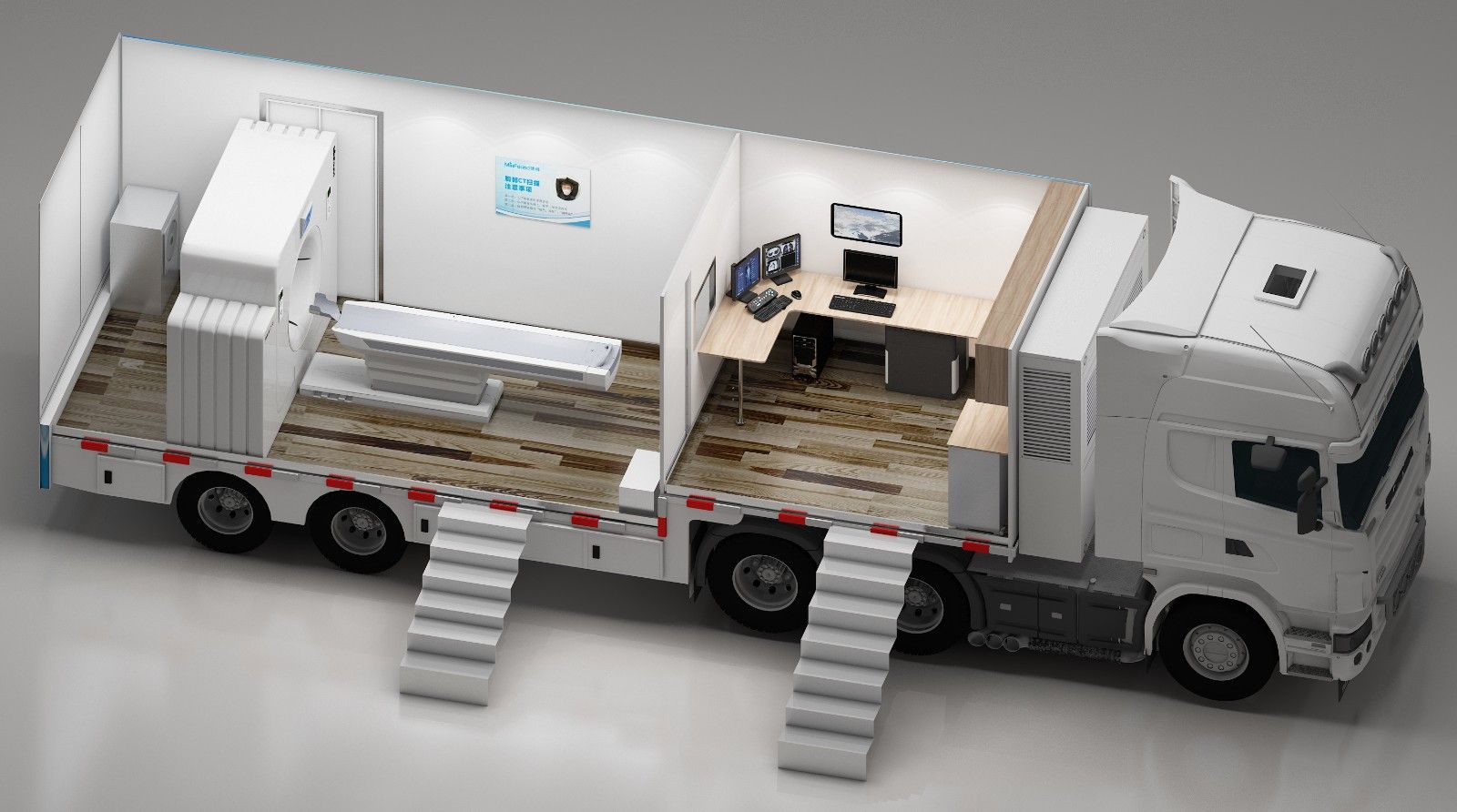
How does a mobile CT scanner compare to your fixed CT scanner when it comes to clarity, consistency, and diagnostic accuracy?
It’s a question many healthcare executives and radiologists ask when considering a mobile solution. The short answer is that Mobile CT image quality can rival permanent installations—provided you choose the right system and invest in proper upkeep.
Let's delve into the factors that affect image clarity, why mobile CT solutions can maintain high-quality results, and how to maximize performance in a mobile environment.
Key Determinants of Image Quality in a Mobile CT
Equipment Specifications
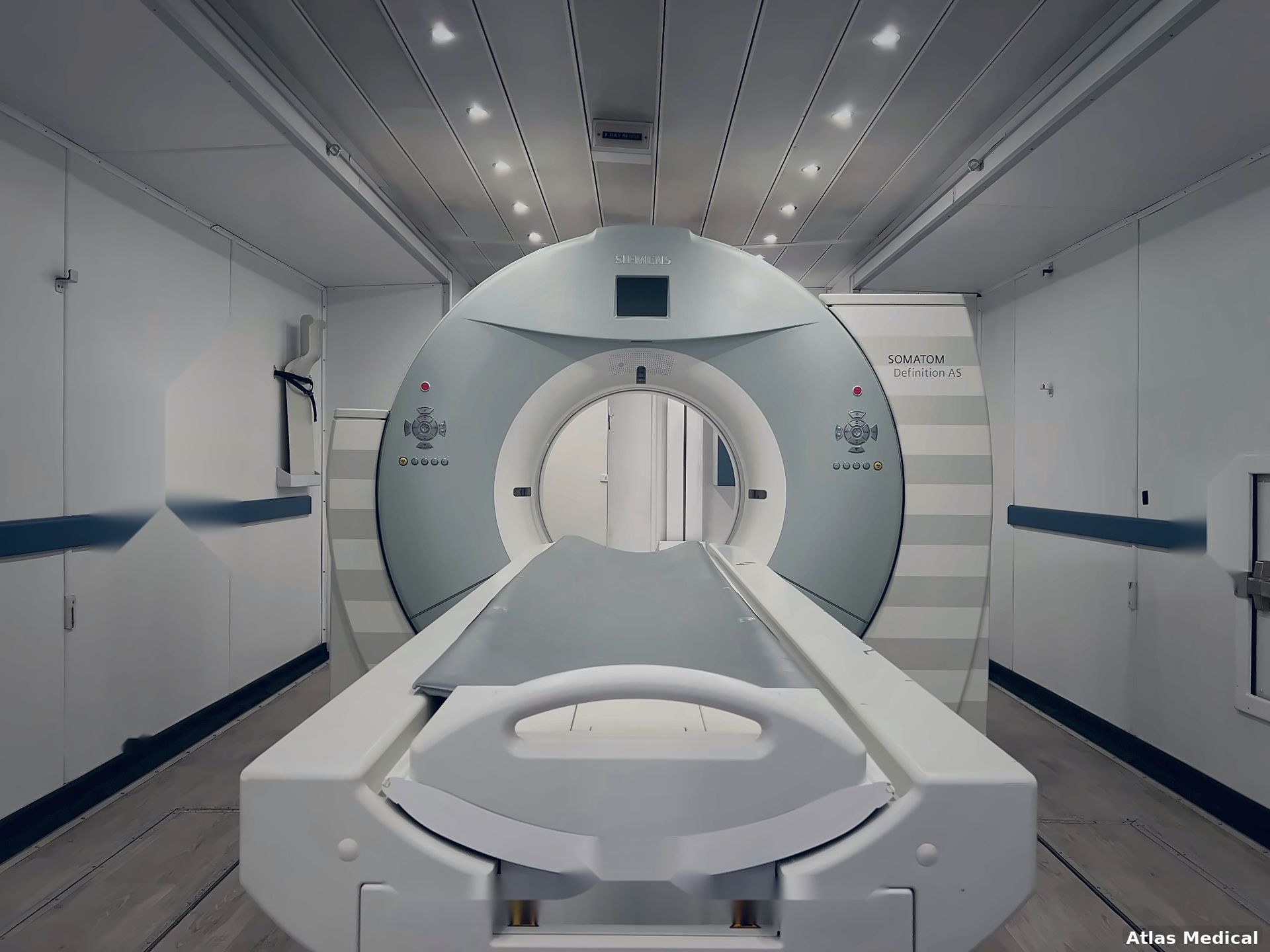
At the end of the day, image clarity originates from a few hardware fundamentals: the x-ray tube, the detector, and the reconstruction algorithms that process raw data into final images. The good news is that mobile units carry the same generation of tubes and detectors found in hospital-based scanners—so if you’re renting or purchasing a higher-end mobile model, you’re not sacrificing fundamental technology or image quality.
We often hear from our customers that our mobile CT scanners provide better image quality than the CT scanner that their facility is replacing.
Calibration and Maintenance
Unlike a stationary CT suite with a meticulously controlled climate, a mobile CT must endure movement, potential vibrations, and varied temperatures. Regular calibration checks become essential to keep the scanner in top shape. Providers who skip or delay calibration might see artifacts creep into scans or a gradual dip in sharpness.
Environmental Stability
Trucks and trailers rely on carefully installed HVAC systems to maintain a stable temperature and humidity. If your trailer experiences wide temperature swings or is parked on an uneven surface, the scanner’s electronics could be stressed. Ensuring your site is level and your HVAC unit is sufficiently robust protects the longevity of the gantry and preserves crisp image results.
Site prep is crucial to ensuring high quality mobile CT imaging.
Comparing Mobile CT to Fixed CT Suites
Throughput and Speed
Fixed CT suites typically handle higher patient volumes due to dedicated facility infrastructure and faster scanning modes. However, many mobile systems (especially 64-slice or higher) offer near-similar throughput, scanning patients within seconds per rotation. The main difference is ensuring stable power and temperature conditions so you can perform back-to-back scans without downtime.
Noise Reduction and Advanced Reconstruction
Modern mobile CT units often include advanced algorithms like
iterative reconstruction or AI-based recon. These reduce graininess and boost subtle details, even at lower dose settings. Fixed suites may get the first wave of next-gen software or hardware updates, but mobile units often adopt them shortly after—so the technology gap is narrow or nonexistent in many cases.
Limitations in Specialized Protocols
Some advanced studies (e.g., high-end cardiac or multi-phase perfusion) can be more demanding, requiring top-shelf scanners with robust tube outputs and multi-energy modes. While these options do exist in mobile form (for instance, high-slice or dual-energy mobile solutions), they’re more expensive and require meticulous environment control.
Maximizing Image Quality on a Mobile CT
Invest in the Right Trailer Setup
- Power Requirements: Aim for 480V, 3-phase power to minimize tube stress and avoid scanning slowdowns.
- HVAC & Leveling: Maintain stable temperatures and ensure the trailer is parked on a level surface to reduce mechanical strain.
Adhere to Strict QA Protocols
- Daily Calibration Checks: Quick tests each morning confirm accurate detector alignment.
- Regular Tube Evaluations: Keep an eye on tube usage and heat capacity to avoid mid-day slowdowns.
Staff Training
- Operator Expertise: Techs must know the nuances of adjusting protocols based on patient size, exam type, and the scanning environment.
- Vendor Resources: Reputable providers like Atlas Medical or manufacturer service teams can offer targeted training to optimize your unit’s potential.
Choose the Right Model
- Slice Count and Detector Tech: A 16-slice or 32-slice system can handle routine scans well, whereas 64+ slices are ideal for vascular or cardiac imaging.
- Iterative or AI Reconstruction: This helps keep dose low while improving detail, crucial if you plan to scan pediatric or high-risk patients.
- Tech Familiarity: We suggest sticking with what your team is already trained on. We offer mobile CT scanners from all major vendors:
- GE
- Siemens
- Canon
- Philips
Mobile CT image quality can stand on par with stationary scanners, thanks to modern hardware, advanced reconstruction algorithms, and careful operational practices. The trick lies in picking a model that matches your patient workload, maintaining it diligently, and ensuring the environment is stable. If you put in the legwork (or trust a reputable partner like Atlas Medical) to handle site prep, calibration, and staff training, you’ll find that mobile scanning can deliver top-tier images—wherever your patients need them.
If you are looking into Mobile CT options, reach out to us today!

Sean Schneider
Mobile Project Manager · Atlas Medical
About the Author
Say hello to Sean Schneider - our Mobile Project Manager at Atlas Medical. Sean has worked in the medical imaging industry for over 20 years, including 10 years with Atlas Medical.
Sean has a knack for making complicated projects simple to understand. Around here, Sean's the man who keeps things moving smoothly.
When Sean isn't helping launch our mobile imaging units at new sites he enjoys spending time with his family, golf, and hockey.
Request a Mobile Imaging Solution
Our Services Include: