
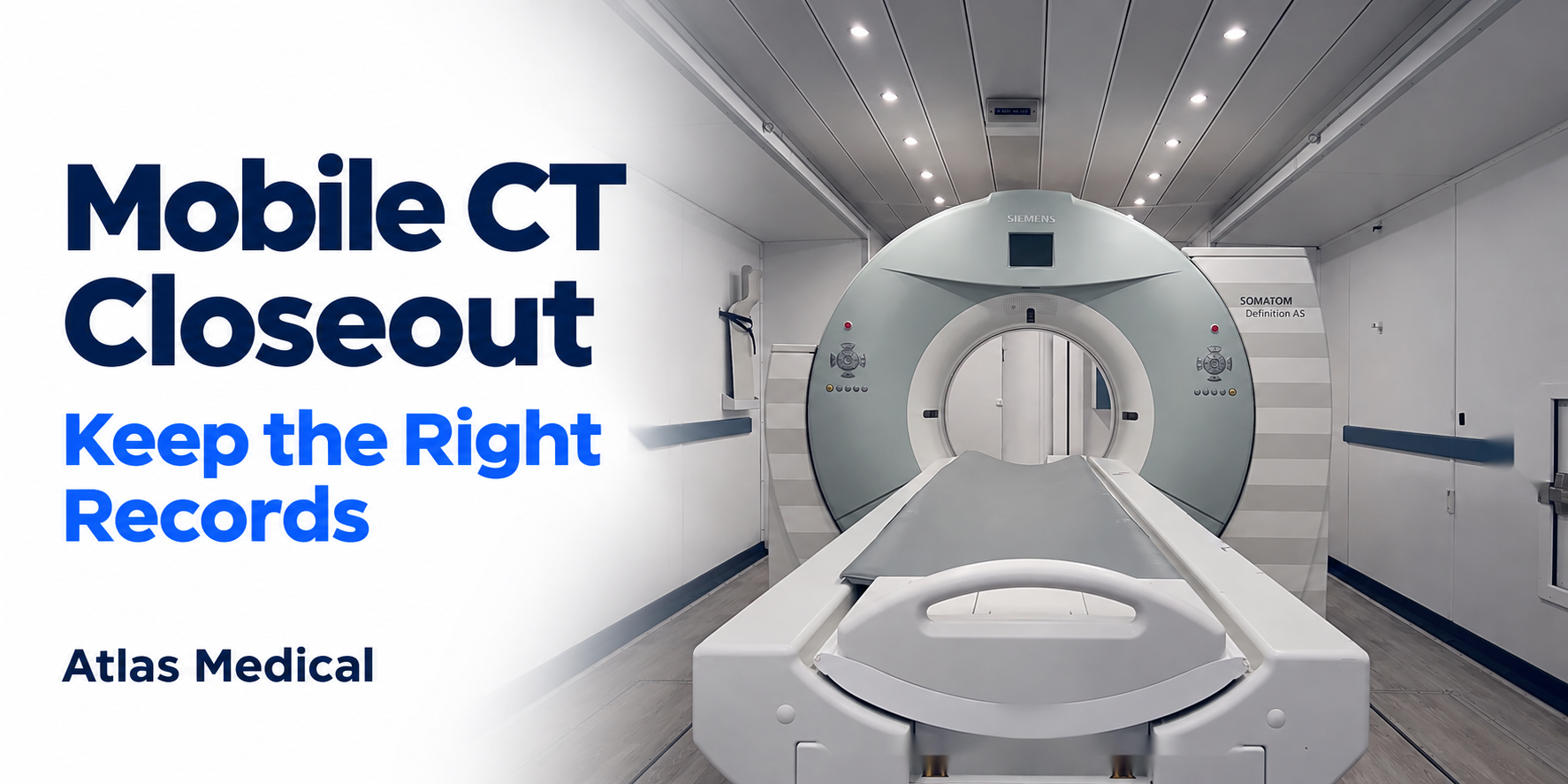
A temporary mobile CT project should end with more than a final date on the calendar. The hospital and its project partners need a clear record of what was completed, what remains open, who accepted each handoff and where the controlling documents are stored.
This closeout record supports project administration. It is separate from the patient medical record, clinical quality documentation and any regulatory records the hospital must maintain under its own policies. The hospital should decide the required retention period, repository and access controls with its legal, compliance, privacy, clinical engineering, imaging, facilities and IT teams.
Confirm the closeout scope
Start by defining what is closing. Record the project identity, temporary unit, service period and the date the closeout review occurred. If some work continues after the rental or service period ends, identify it as an open item rather than marking the entire project complete.
The closeout owner should also list the teams represented in the review. This makes it easier to identify missing approvals and follow up with the right person.
Reconcile the final timeline
Build a short timeline of the dates that matter to the project record:
- Delivery and placement.
- Site and connectivity reviews.
- Agreed handoffs or acceptance points.
- Changes to the project plan.
- The last day of temporary service.
- Removal or return activities.
- Dates for any remaining corrective or administrative work.
Use actual records rather than memory. If a forecast changed, keep the revised date with its source and do not overwrite the earlier approved record without noting the change.
Close or assign every open item
An open issue should have an owner, current status and next review date. Examples may include an unresolved document request, a facilities follow-up, account removal, a final invoice question or confirmation that a borrowed item was returned. Do not use “complete” when responsibility has merely changed hands.
For each item, record who accepted the handoff and how understanding was confirmed. AHRQ describes a check-back as a closed-loop communication method that verifies exchanged information. The same discipline helps a project team avoid assuming that an email or verbal statement was understood.
Preserve the controlling document set
Create a final register of the documents that controlled the project. Depending on the work, that may include the agreement, approved change records, current drawings, equipment information, contact lists, meeting decisions, acceptance records and removal documentation.
Each entry should show a title, revision or date, owner, storage location and status. Mark superseded files clearly. Do not place patient information in a general project folder, and follow the hospital’s requirements for confidential or regulated records.
Review access and temporary accounts
The responsible IT and security teams should identify temporary access, shared folders, remote-support arrangements and other project-specific permissions that require closure or transition. The closeout record should state who reviewed each item and the result. It should not contain passwords, access codes or other secrets.
Keep evidence of the completed review in the approved repository. If an account remains active for a documented reason, record the owner and next review date.
Separate return records from operational assumptions
If equipment, keys, badges, accessories or documents are transferred at closeout, use an itemized handoff record. Record the item, condition when relevant, sender, receiver, date and remaining exception. A signed or otherwise accepted record is clearer than a general statement that “everything was returned.”
The handoff should not be treated as proof that another team completed unrelated clinical, regulatory or financial tasks. Keep each responsibility with its actual owner.
Capture lessons without rewriting history
A short lessons section can help future projects. Record what the team would repeat, what should change, and which owner will update the relevant checklist or template. Keep these observations separate from the approved timeline and final decision record.
Useful closeout fields include:
| Field | Closeout entry |
|---|---|
| Project identity | Unit, location and service period |
| Review participants | Teams and named owners |
| Final timeline | Milestones and source records |
| Open items | Owner, status and next date |
| Document register | Title, revision, repository and status |
| Access review | Reviewer, result and exceptions |
| Item handoffs | Sender, receiver, date and condition |
| Lessons | Future action and owner |
Verify the record before archiving
Before the closeout packet is stored, ask each responsible owner to review the entries assigned to that team. Confirm links and repository locations, remove duplicate working copies where policy allows, and preserve the authoritative version. Label the package with its completion date and any open exceptions.
Planning a temporary mobile CT project? Contact Atlas Medical for a project-specific conversation.