
When a hospital plans temporary CT capacity, equipment and site readiness usually receive early attention. Everyday supplies can sit between departments: one team expects the provider to bring an item, another assumes it will move from the permanent room, and a third has not decided where it will be stored. A supplies and storage responsibility checklist helps resolve those assumptions before they become a daily coordination problem.
For a mobile CT project, the checklist should describe responsibilities for the actual arrangement. It is a purchasing and project-planning document. It records who must review each category, what is included in the agreed scope and what the hospital still needs to organize.
Separate included items from hospital responsibilities
Begin with the provider's project documents and the hospital's usual supply categories. Ask the provider to confirm what accompanies the assigned unit and identify the document supporting that answer. A general service description should not be treated as an inventory list for a particular rental.
Record hospital-supplied items separately. These may include approved consumables, linen, documentation materials, cleaning products and other locally managed supplies. Pharmacy, infection prevention, environmental services and radiology should review the categories relevant to their responsibilities.
The aim is to surface questions, not to select a clinical product through a general project checklist. Product suitability and use instructions belong to the hospital's established review process and applicable manufacturer instructions.
Use fields that expose an unresolved handoff
A useful checklist needs more than an item name and a checkmark. Include the provider or department supplying it, the proposed storage location, the replenishment owner and the evidence of agreement.
| Planning field | What it should capture |
|---|---|
| Supply category | A clear category the reviewing team recognizes |
| Supplied by | Hospital department, provider or another confirmed source |
| Scope reference | Document or written confirmation defining inclusion |
| Storage review owner | Person responsible for approving the proposed location |
| Replenishment owner | Team arranging routine replacement or restocking |
| Open question | Missing information, with an owner and response date |
Keep a status such as proposed, under review or confirmed. "Discussed" is rarely enough to show whether a department has accepted responsibility.
Review storage as part of the temporary layout
Moving CT services changes where staff can reach supplies and where deliveries arrive. Ask which items will remain in hospital storage and which will be held in the temporary unit. Confirm who will review capacity, access, security and any product-specific conditions.
The CDC's core practices call for following manufacturers' instructions for cleaning products and for designated clean medication preparation areas. Those principles make the ownership question practical: the relevant hospital specialists need to review proposed storage and preparation arrangements. A project coordinator should record their decisions without substituting a generic cabinet assignment for that review.
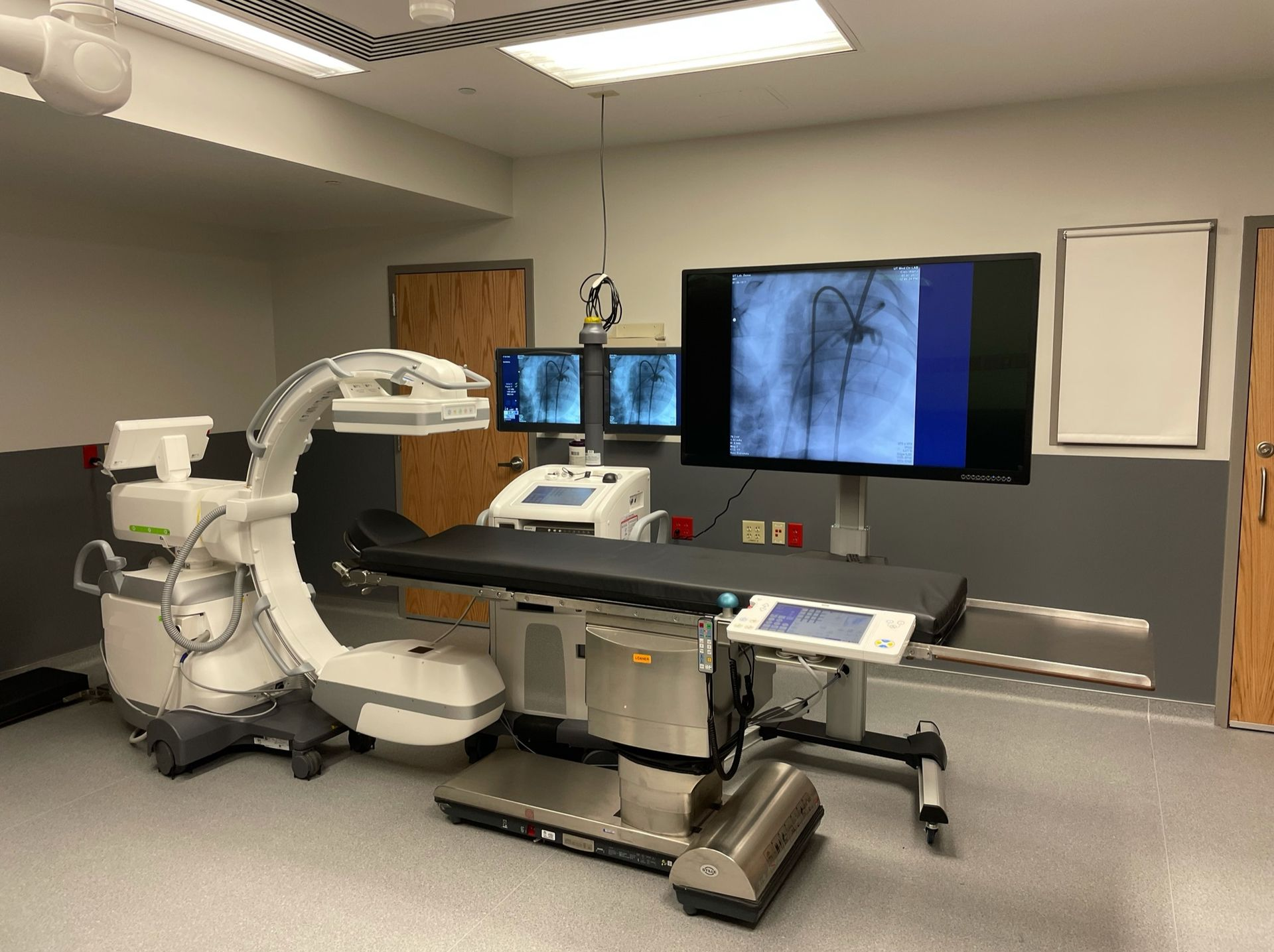
Use the approved unit layout during the discussion. A photograph can help people understand the environment, but it does not establish usable storage capacity or approval for a particular material. Ask the provider for project-specific information when a proposed location depends on the assigned unit.
Map the replenishment route and timing
For each category, decide how the replenishment team will know that an order or delivery is needed. Include where deliveries should go, who can receive them and whom staff contact if a planned item is unavailable. These details are especially useful when hospital stores personnel are unfamiliar with the temporary location.
Consider a planning example: the hospital has confirmed that a supply category remains hospital-managed, but routine deliveries still list the permanent CT room. The checklist can assign an owner to update the delivery destination and confirm that the receiving team has the current instructions. It does not need to prescribe quantities or clinical substitution decisions to make that gap visible.
Close the loop before and after the move
Review unresolved categories at a project meeting and record the supporting answer when each one is closed. Where responsibility passes between teams, obtain explicit agreement from the receiving owner. Keep the checklist available to the hospital coordinator so questions are routed to the correct department.
Atlas's CT installation guidance distinguishes delivery from completion of the wider hospital readiness work. A supply responsibility checklist complements that planning by documenting inclusion, storage review and replenishment ownership. Revisit it when the temporary arrangement changes, and use actual project documents to resolve new questions instead of carrying forward assumptions from the permanent department.