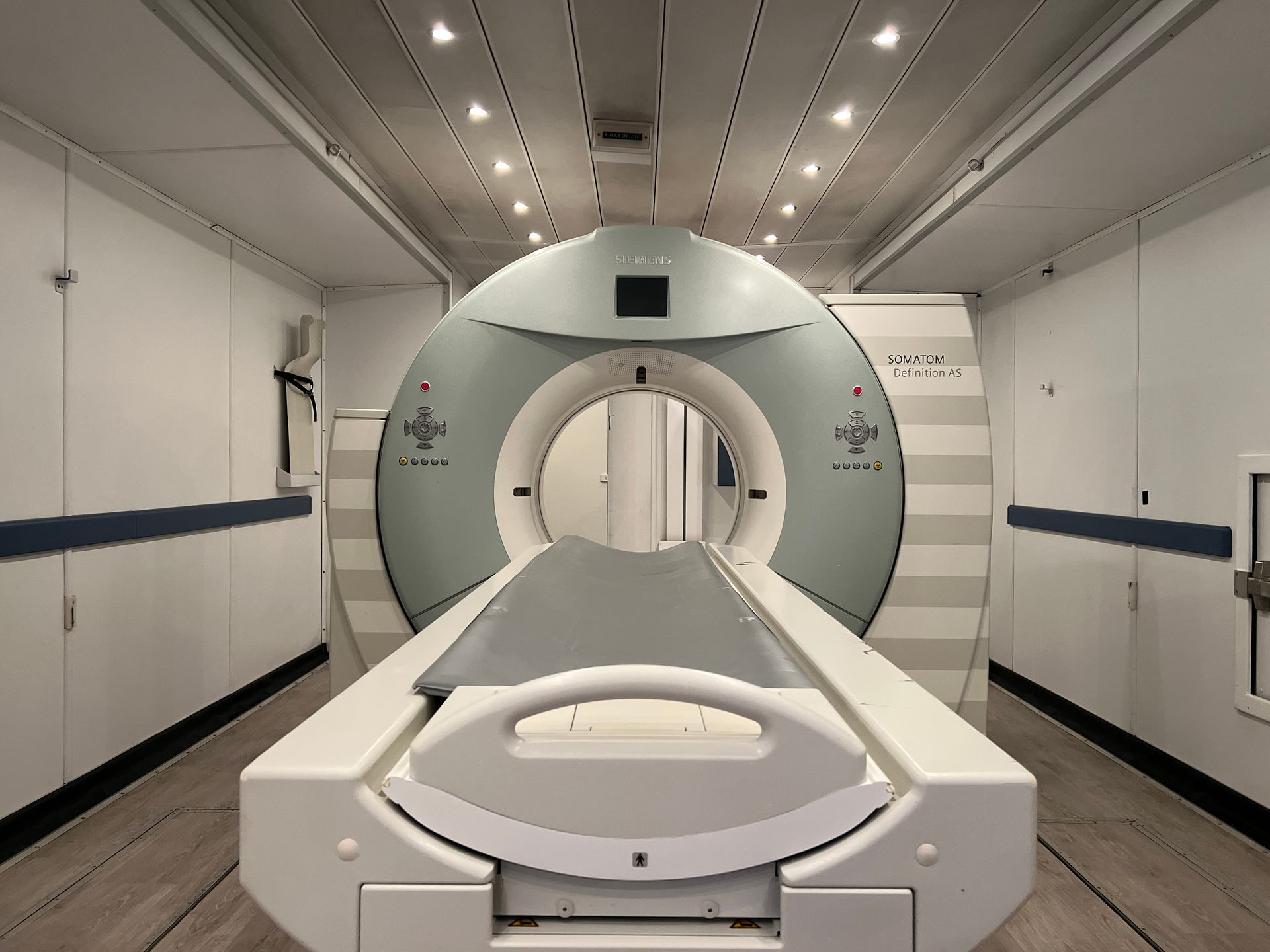
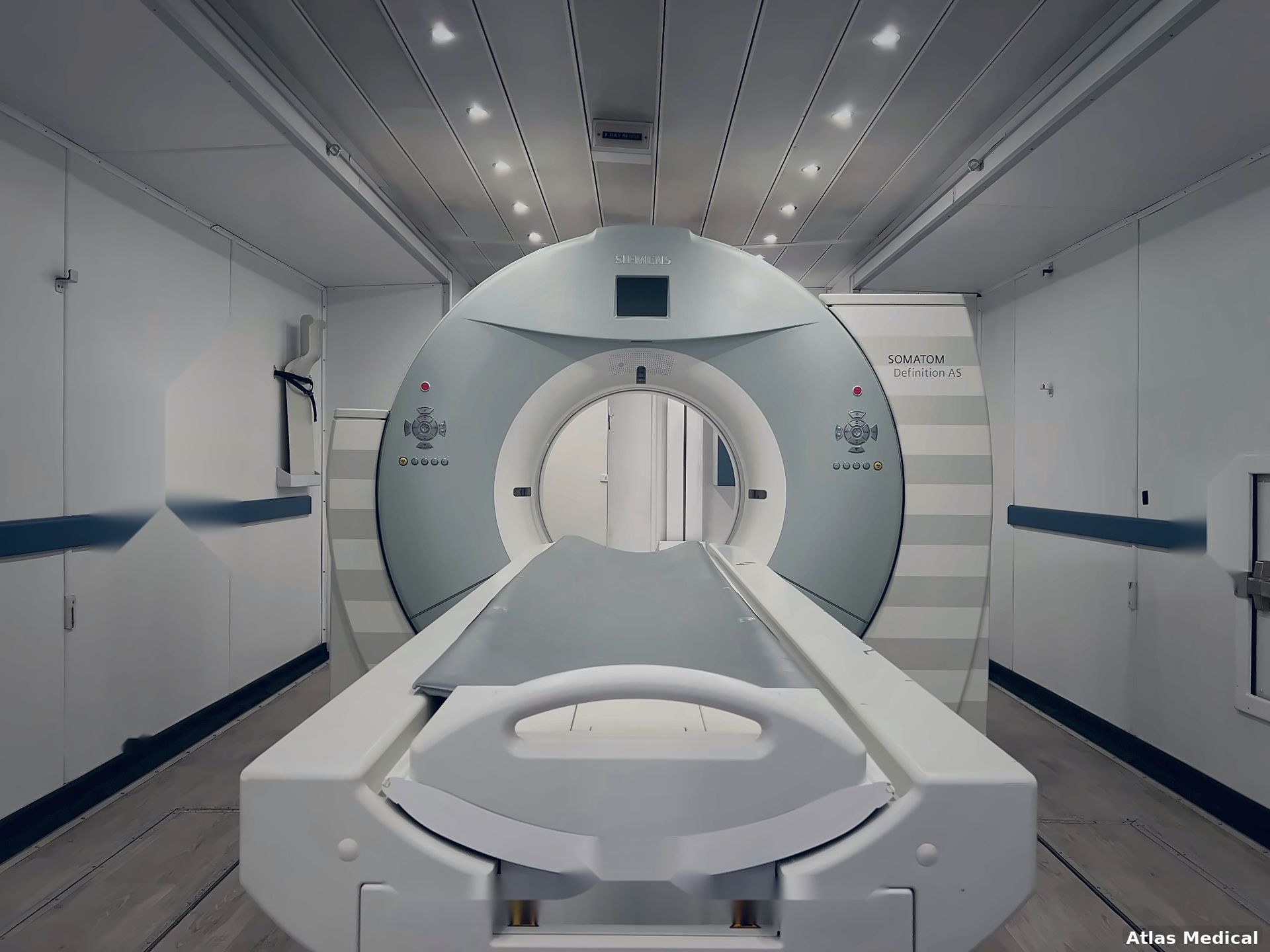
A hospital planning temporary CT capacity needs more than a service telephone number. Staff need to know which team receives a particular issue, how that team acknowledges it, and who retains responsibility while an answer is pending. Those questions become especially important when the temporary unit sits outside the permanent department or an issue crosses a shift change.
A mobile CT service escalation plan puts those arrangements in one controlled record. It should reflect the actual rental scope and the hospital's procedures. A public description of support does not, by itself, establish the coverage hours, response commitments or escalation route for an individual project.
Separate the types of issue before assigning contacts
Start by distinguishing equipment-service questions from hospital facilities, IT and departmental coordination. A scanner fault, a building-access problem and an image-routing question may need different owners. Staff should not have to guess which organization owns the next step.
Ask the rental provider and the relevant hospital departments to confirm their boundaries in writing. Record overlaps explicitly. For example, an imaging connectivity issue may require both the hospital IT team and an equipment representative; the plan should identify who coordinates that conversation without presuming the cause.
Clinical emergencies and immediate safety concerns must continue through the hospital's established response procedures. This project document is a contact and responsibility record, not a troubleshooting guide or authorization to continue using equipment.
Confirm coverage instead of assuming it
For each contact route, distinguish the hours when a request can be received from any agreed response or attendance commitment. An answering service, acknowledgment and on-site response are different events. Record only the commitments supported by the project documents.
Ask how evenings, weekends and holidays are handled. Identify the backup route if the first contact cannot be reached and who can escalate an unanswered request. Where a response interval has not been agreed, leave it as an open question with an owner; do not insert an assumed service level.
Use a simple register with these fields:
| Field | What to confirm |
|---|---|
| Issue category | Equipment service, facilities, IT or departmental coordination |
| Primary route | Approved contact method and responsible team |
| Coverage | Confirmed hours, time zone and exceptions |
| Acknowledgment | How the hospital knows the request was received |
| Escalation | Backup route and agreed trigger for using it |
| Coordination owner | Person tracking the issue until responsibility is accepted |
| Evidence | Scope document, written confirmation and revision date |
Keep individual contact details in the hospital's approved internal record. A public-facing checklist does not need private telephone numbers or access instructions.
Agree what information accompanies a request
A useful service request helps the receiving team identify the correct project and understand the reported issue. Agree the non-patient information staff should provide, such as the unit reference, hospital location, callback route, time observed and a factual description of the problem. Use the hospital's approved channels for any information requiring restricted handling.
Record observations separately from a diagnosis of the cause. “Images have not appeared at the expected destination” describes a reported condition; it does not establish whether the cause lies with the scanner, network or receiving system. Technical assessment and operating decisions remain with the authorized teams.
Make shift handoffs explicit
AHRQ's TeamSTEPPS handoff guidance emphasizes clear responsibility, acknowledgment and an opportunity to ask questions during care transitions. A project team can apply those communication principles to service coordination by recording who accepts an open issue at a shift change. This is an adaptation for administrative coordination, not a clinical handoff protocol.
Consider a planning example: a request has been acknowledged, but the next update will arrive after the original coordinator leaves. The outgoing coordinator records the reference number, current status, expected next communication and incoming owner. The incoming owner confirms receipt. A forwarded email alone should not be treated as evidence that the handoff was accepted.
Test the contact plan and keep it current
Before relying on the register, arrange an agreed administrative check with the participating teams. Verify that contacts, hours and backup routes are current without generating a false urgent service call. Ask where staff will find the controlled copy and how changes will reach evening and weekend personnel.
Atlas's mobile CT installation guidance addresses coordination across infrastructure, IT and hospital readiness. The escalation register complements that work by making responsibility after delivery explicit. Review it when contacts, coverage or the assigned unit change. Discuss project-specific support arrangements with the hospital team and Atlas Medical, and keep unresolved commitments visible until confirmed.