IR Applications Training: Preparing Interventional Radiology Teams for New Imaging Systems
Interventional radiology teams rely on imaging technology throughout nearly every stage of a procedure.
When that technology changes, experienced technologists may still need time to become comfortable with the new system.
A different angiography platform can change how staff navigate the interface, position the C-arm and detector, select fluoroscopy and acquisition modes, use roadmapping, review images, manage advanced imaging functions, and move through the room during a procedure.
IR applications training helps bridge that gap.
Rather than providing generic interventional education, system-specific applications training focuses on helping the hospital's team understand the equipment and workflows they will actually use.
Atlas Medical provides imaging applications training and temporary technologist staffing for hospitals and imaging providers with project-based clinical support needs.
Why IR Training Needs to
Reflect the Department's Actual Work
Interventional radiology is not one standardized workflow.
Different departments may support very different procedure mixes.
Depending on the hospital, IR services may include vascular procedures, embolization, venous access, biopsies, drainage, oncology-related procedures, genitourinary procedures, biliary interventions, and other image-guided work.
That means an effective training plan shouldn't begin with a generic system demonstration.
It should begin with the hospital's:
Imaging system + staff experience + procedure mix + physician workflow + installed applications
A department performing high-volume vascular work may have different training priorities from one focused heavily on oncology or other interventional procedures.
The applications specialist should understand those differences before arriving on-site.
Map Different Patient Types Separately
Not every patient follows the same route.
A single workflow diagram may hide important differences.
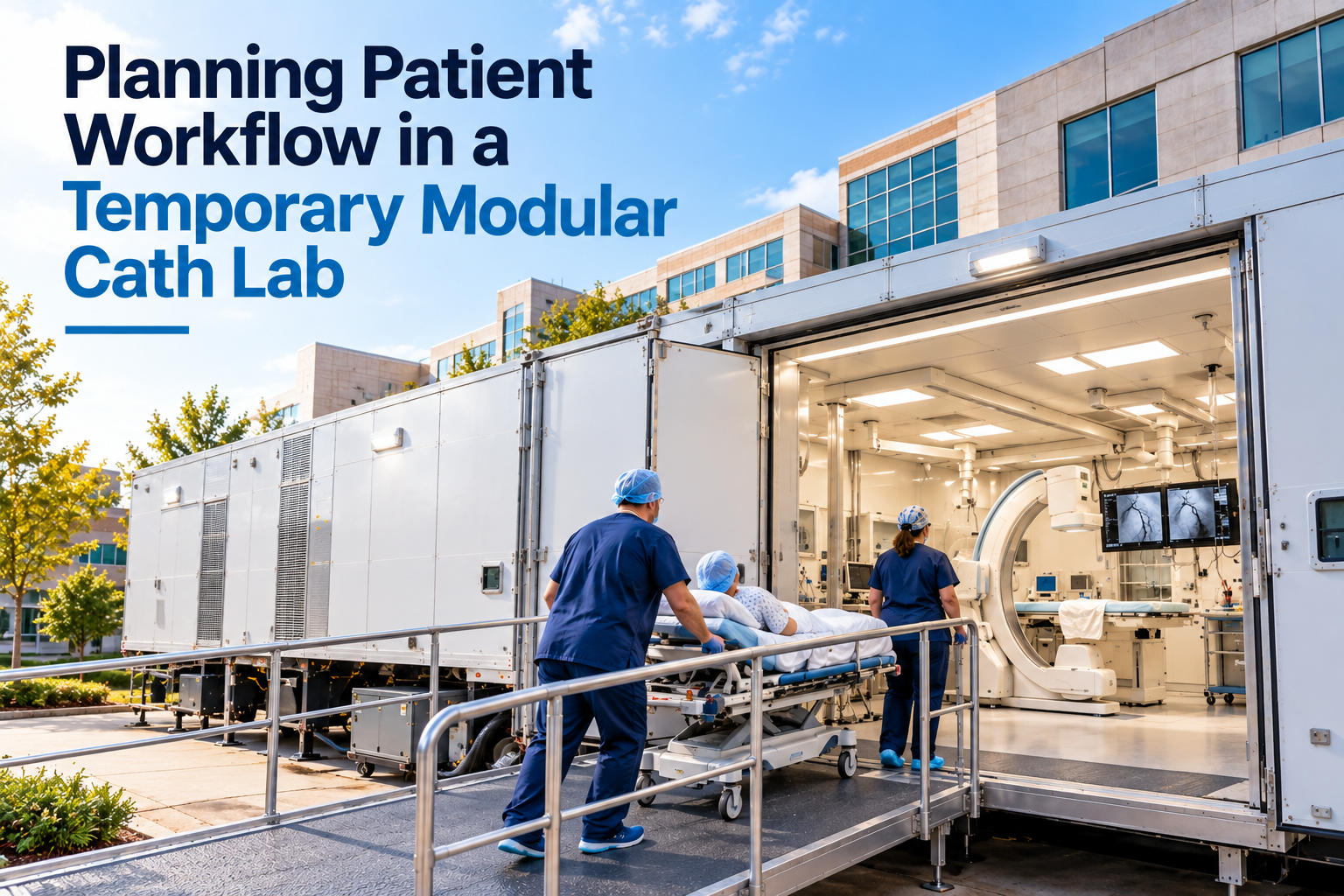
Hospital teams should map the journey for each major patient population expected to use the modular lab.
Outpatients
An outpatient might follow:
Hospital arrival → registration → preparation → modular lab → recovery → discharge
Questions include:
- Where will the patient check in?
- Will the patient enter the main hospital first?
- Where will pre-procedure preparation occur?
- How will the patient reach the modular lab?
- Where will family or caregivers wait?
- Where will discharge take place?
- Inpatients
An inpatient workflow might be:
Hospital unit → transport → modular lab → procedure → recovery → hospital unit
This can create different transportation requirements.
The team should consider:
- Travel distance
- Elevators
- Stretcher clearance
- Doorways
- Hallway traffic
- Staff escorts
- Monitoring requirements
- Transport availability
- Emergency or Urgent Cases
If the temporary lab will support urgent cases, the hospital needs a clearly defined pathway.
Questions may include:
- Where does the patient originate?
- What is the fastest approved route?
- Who coordinates transport?
- How is the modular team notified?
- What support is available during transfer?
- What is the escalation process if the patient's needs change?
The appropriate process should be established by the hospital's clinical leadership and applicable policies.
What Is IR Applications Training?
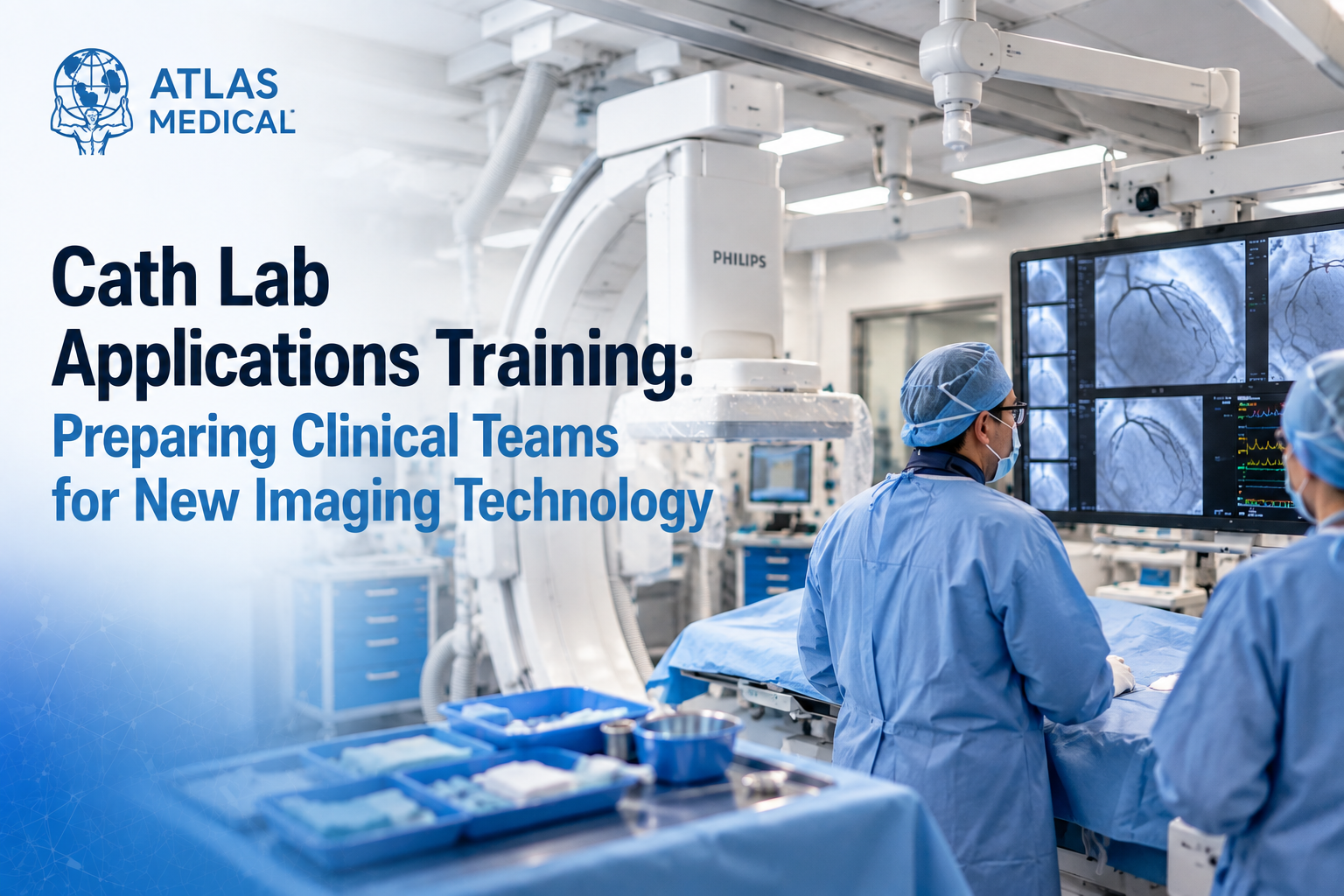
IR applications training is hands-on, system-specific education focused on the clinical use of an angiography or interventional imaging platform.
The applications specialist works directly with technologists and other appropriate team members at the system.
Training may address:
- System navigation
- Room controls
- Table operation
- C-arm movement
- Detector positioning
- Fluoroscopy functions
- Image acquisition
- Dose-related system tools
- Image review
- Roadmapping
- DSA workflow
- Post-processing
- Advanced imaging functions
- Procedure-specific workflow
The purpose is not to replace physician judgment, hospital policy, manufacturer instructions, clinical competency requirements, radiation-safety programs, or equipment service.
The purpose is to help staff understand how the installed technology works within those requirements.
When Might an IR Department
Need Applications Training?
IR applications support can be useful in several different situations.
1. New Angiography System Installation
A hospital may install a completely new interventional imaging platform while keeping much of the same clinical team.
The staff already understands interventional radiology.
What they need to learn is how familiar clinical tasks are performed on the new equipment.
2. Transition to Another OEM
Changing from one manufacturer to another can introduce differences in:
- Interface design
- Control placement
- Terminology
- Imaging programs
- Roadmapping workflow
- Post-processing
- System navigation
- Advanced clinical applications
System-specific training allows experienced technologists to transfer their existing IR knowledge to the unfamiliar platform.
3. Temporary IR Lab Deployment
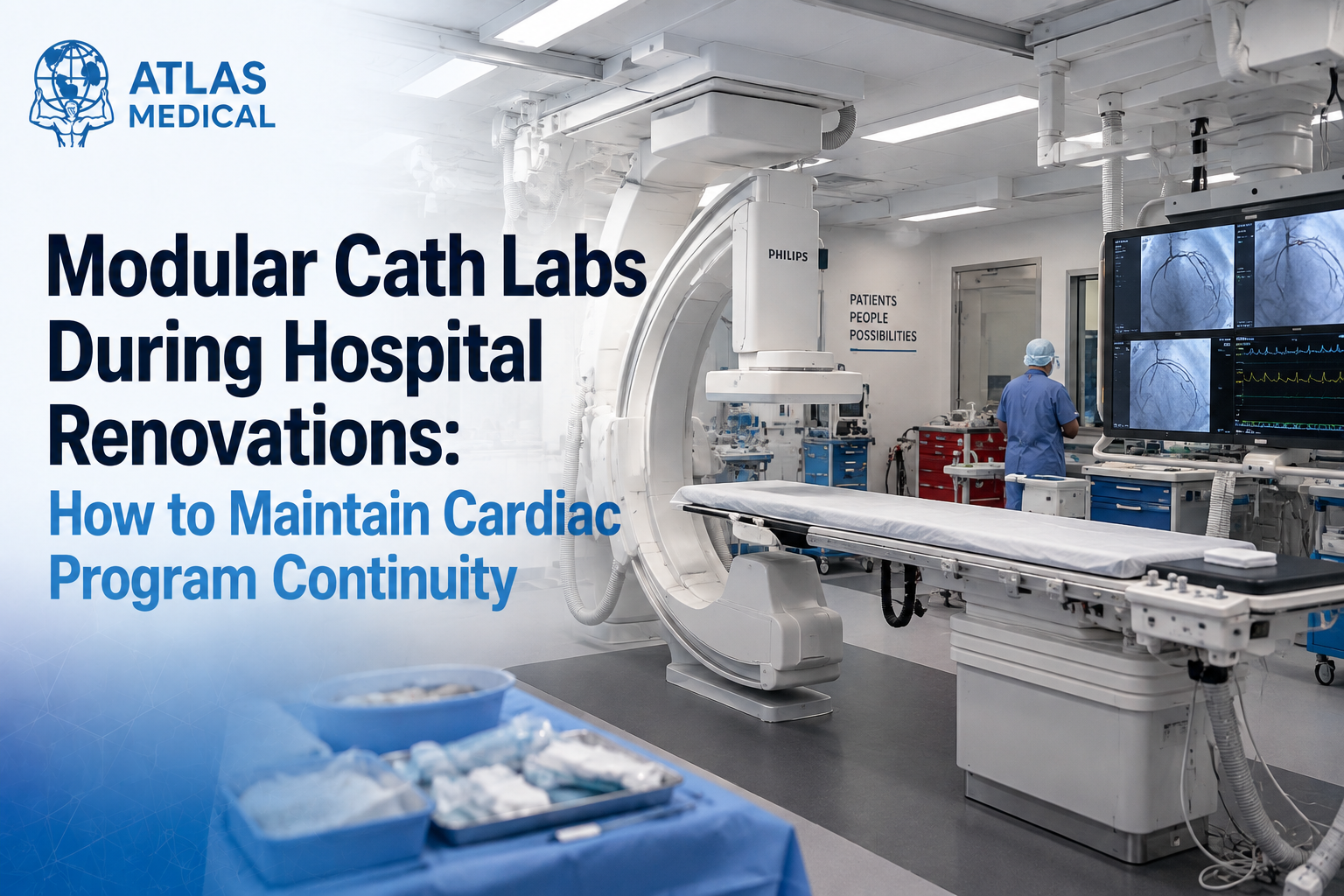
A hospital may move cases into a temporary environment during renovation, replacement, downtime, or capacity expansion.
Atlas Medical provides temporary mobile IR and interventional lab solutions that can support hospitals when their permanent room is unavailable. Atlas also has existing guidance on temporary IR lab options.
In these situations, staff may need to adapt to both a different imaging system and a different physical room.
4. Software or Advanced Application Changes
New software, clinical packages, or advanced imaging capabilities may require focused support even if the team already knows the base system.
5. New Staff or Refresher Training
Applications support can also help departments onboarding new technologists, cross-training appropriate staff, or refreshing system knowledge across the team.
IR and Cath Lab Applications Training Overlap—But They Aren't the Same
Cath and IR teams may use similar interventional imaging equipment.
Both environments may involve:
- C-arms
- Flat-panel detectors
- Fluoroscopy
- Image acquisition
- Tables
- Large displays
- Roadmapping
- DSA
- Post-processing
That doesn't mean the training should be interchangeable.
Interventional radiology may involve different:
- Procedure mixes
- Patient positioning
- Sterile workflows
- Device access requirements
- Table movements
- Contrast workflows
- Image sequences
- Physician preferences
- Room configurations
A cath lab applications specialist may understand the imaging technology, but IR training should still be built around the actual interventional radiology environment.
Hospitals operating both programs should treat cath lab applications training and IR applications training as related but separate training plans.
Begin With Room Controls and System Navigation
Before staff can use advanced imaging features, they need to become comfortable operating the room.
Training may begin with:
- User-interface navigation
- Room controls
- C-arm movement
- Table functions
- Detector positioning
- Monitor configuration
- Startup and shutdown
- Emergency-stop locations
- Image review
- Common workflow shortcuts
For teams changing manufacturers, the specialist can focus on where familiar functions now live.
This helps prevent an experienced technologist from losing time simply because a control has moved, changed name, or is accessed differently on the new platform.
Fluoroscopy and Acquisition Workflow
Fluoroscopy and image acquisition are central to the IR environment.
Depending on the system and training scope, applications support may address:
- Fluoroscopy modes
- Acquisition programs
- Frame-rate options
- Collimation
- Filtration
- Magnification
- Last-image hold
- Fluoro storage
- Image runs
- Available dose displays
- System-specific image-quality controls
Training helps users understand what tools the system provides and where those tools are located.
Clinical use of those tools remains subject to hospital policy, physician preferences, applicable radiation-safety practices, manufacturer instructions, and appropriate clinical oversight.
DSA and Roadmapping Deserve Dedicated Practice
Digital subtraction angiography and roadmapping can be important parts of many IR workflows.
These functions are also areas where the user experience can vary substantially between platforms.
Training may include:
- DSA setup
- Mask acquisition
- Image-run workflow
- Roadmap setup
- Motion considerations
- Remasking
- Reviewing acquired runs
- Series organization
- System-specific controls
This is a good example of why applications training should happen on the actual equipment.
A technologist can understand the clinical concept of roadmapping and still need practice performing it efficiently on a particular system.
Room Geometry Matters in Interventional Radiology
IR teams interact physically with their imaging systems throughout procedures.
The position of the patient, table, detector, C-arm, monitors, physician, technologist, and other equipment can change repeatedly during a case.
Hands-on applications training may therefore include practice with:
- Table positioning
- C-arm angulation
- Detector movement
- Detector clearance
- Patient access
- Monitor positioning
- Staff positioning
- Common room movements
This is particularly important when moving into a temporary lab.
Even when the imaging platform is familiar, the temporary room may not have the same geometry as the hospital's permanent IR suite.
Advanced Imaging Training Should Match the Installed System
Some IR platforms include advanced imaging functions that can support complex interventional procedures.
Depending on the system and installed packages, that may include:
- Cone-beam CT
- 3D acquisition
- Vessel analysis
- Image fusion
- Measurement tools
- Bolus-chase workflows
- Stepping workflows
- Other system-specific applications
Not every hospital needs every advanced feature covered.
Training should focus on the applications that are actually installed, relevant to the department's work, and within the specialist's experience.
Atlas's current mobile and modular interventional fleet can include advanced packages such as Cone Beam CT depending on the configuration.
Include Image Review and Post-Processing in the Scope
The IR workflow continues after acquisition.
Technologists may also use functions related to:
- Image review
- Measurements
- Annotations
- Reference images
- Series management
- Image export
- DICOM transfer
- Post-processing
Hospitals should clarify which connected systems are part of the requested training.
If the department expects support involving PACS, worklist, injectors, hemodynamics, ultrasound, or another third-party system, that should be identified before the engagement begins.
Atlas's temporary interventional solutions can connect with hospital PACS, worklist, and EHR environments, making IT coordination another important part of deployment planning.
Match the Specialist to
More Than the Modality
"IR experience" is only the first qualification to consider.
A stronger applications-training match includes several dimensions.
| Match Factor | Why It Matters |
|---|---|
| IR/angiography experience | Provides understanding of the clinical environment |
| OEM experience | Helps the specialist navigate the correct platform |
| Model/system familiarity | Reduces time spent learning equipment differences |
| Software knowledge | Helps align training with the actual user interface |
| Installed applications | Determines whether advanced features can be supported |
| Procedure mix | Allows training to focus on relevant workflows |
| Teaching experience | Helps support users with different skill levels |
Atlas Medical works across major imaging manufacturers including Philips, Siemens, GE, and Canon and provides applications support as part of its broader imaging and interventional offerings.
The exact resource should still be selected based on the hospital's specific equipment and project.
Build an IR Training Profile Before Scheduling
A hospital can make the training engagement much more productive by providing clear technical and clinical information in advance.
Gather:
- Manufacturer
- System model
- Software version
- Single-plane or biplane configuration
- Detector configuration
- Installed clinical applications
- Workstation information
- Injector details
- Image-review environment
- PACS/worklist setup
- Number of trainees
- Staff experience level
- Training shifts
- Expected procedure mix
- Areas of concern
- Physician workflow preferences
- Go-live date
- Facility onboarding requirements
The department should also identify a lead technologist or manager who can coordinate attendance and collect questions.
This prevents valuable on-site training time from being spent determining what the project is supposed to accomplish.
Single-Plane and Biplane Projects May Require Different Training
The physical and imaging workflow of a biplane room can differ significantly from a single-plane environment.
Hospitals preparing a biplane system should identify that configuration early when requesting support.
Atlas Medical offers modular biplane solutions for temporary neurovascular, endovascular, cardiology, IR, and EP needs.
For teams transitioning onto a biplane platform, training may need additional attention around:
- System geometry
- Dual-plane positioning
- Monitor workflow
- Collision awareness
- Room movement
- Image acquisition
- Relevant advanced applications
The exact training scope should be based on the installed equipment and intended clinical use.
Training During a Temporary IR Lab Project
A temporary IR deployment creates a very specific training challenge.
The hospital may need to maintain procedural capacity while its permanent room is under construction, being replaced, or temporarily unavailable.
Atlas describes temporary IR solutions ranging from mobile equipment configurations to mobile interventional radiology trailers designed to support hospital workflow during renovations and other periods of downtime.
In a temporary project, the team may have to learn differences involving:
The imaging system
and
The temporary clinical environment
That can include:
- Patient entry and transfer
- Table orientation
- Control-room position
- Monitor arrangement
- Staff positioning
- Injector location
- Supply storage
- Communication between procedure and control areas
Atlas also offers mobile Siemens IR and angio lab rentals for hospitals that need temporary interventional capacity during equipment upgrades or downtime.
Applications training should therefore be incorporated into the deployment schedule rather than treated as an afterthought after the temporary lab arrives.
A Three-Layer IR Training Model
Hospitals can think about applications training in three layers.
Layer 1: Operate the System
Can the team confidently navigate the system, move the equipment, select the appropriate functions, and review images?
Layer 2: Fit the System Into IR Workflow
Can the team use those functions efficiently within the department's actual procedures, room setup, and physician workflow?
Layer 3: Handle the Transition
If this is a new or temporary environment, can the team move from its previous room into the new workflow without unnecessary disruption?
A training program that addresses only Layer 1 may leave important operational gaps.
IR applications training is most useful when all three layers are considered.
Applications Training and IR Staffing Solve Different Problems
Applications training addresses system knowledge.
Temporary staffing addresses schedule coverage.
A hospital may need both.
For example, an IR department may be moving into a temporary lab while also managing an open position or extended employee leave.
The permanent staff may need applications support to learn the temporary imaging system.
At the same time, an additional technologist may be needed to maintain procedural coverage.
Those roles should remain clearly separated.
Applications specialist → System education and workflow support
Temporary IR technologist → Clinical staffing coverage
Atlas Medical's Imaging Applications Training & Technologist Staffing offering is designed to let hospitals discuss both types of project support.
Questions to Resolve Before the Specialist Arrives
Before scheduling IR applications training, the hospital should be able to answer:
Equipment
- Which OEM and system model are installed?
- What software version is running?
- Is it single-plane or biplane?
- Which advanced applications are available?
Clinical Work
- What procedures does the department expect to perform?
- Which workflows are highest priority?
- Are there specific physician preferences that affect system use?
Staff
- How many technologists require training?
- What is their current level of experience?
- Are multiple shifts involved?
Timing
- When is go-live?
- Is this permanent or temporary equipment?
- Is support needed before, during, or after go-live?
Scope
- Will training include advanced imaging functions?
- Is live-case support requested?
- Are third-party systems expected to be included?
- Is temporary IR staffing also required?
A clear answer to these questions gives the applications specialist a much better starting point.
Request IR Applications Training From Atlas Medical
Atlas Medical supports hospitals and imaging providers with applications training and project-based clinical support across interventional and diagnostic imaging.
For IR teams, the process should begin with the actual project: equipment, OEM, system model, clinical applications, procedure mix, staff experience, location, and schedule.
Hospitals preparing for a new angiography system, temporary IR lab, OEM transition, software upgrade, advanced imaging package, or other system-specific training need can request clinical support through Atlas Medical.
For broader temporary interventional needs, hospitals can also review Atlas's mobile Cath and IR solutions, modular interventional labs, and temporary IR lab planning guidance.
Frequently
Asked Questions
What is IR applications training?
IR applications training is system-specific, hands-on education that helps interventional radiology technologists understand the clinical use of an angiography or interventional imaging platform, including system navigation, imaging functions, positioning, DSA, roadmapping, image review, and related workflow.
How is IR applications training different from cath lab applications training?
The imaging technologies can overlap, but the clinical workflows may differ. IR training should reflect the department's procedure mix, positioning requirements, physician workflows, imaging sequences, room setup, and installed clinical applications.
Does an experienced IR technologist need training when changing manufacturers?
Potentially. Clinical IR experience and experience with a specific imaging platform are different. A change in OEM can introduce differences in interfaces, controls, terminology, image acquisition, roadmapping, and post-processing workflow.
Can applications training include DSA and roadmapping?
Yes, when those functions are supported by the installed system and are included in the requested scope. Training should be based on the actual platform and clinical workflow used by the hospital.
Can advanced imaging applications be included?
Advanced functions can be incorporated when they are installed on the system, relevant to the department's clinical work, and within the applications specialist's experience.
Can an applications specialist support a temporary mobile IR lab?
Yes. Temporary deployment is one situation where applications support can be especially useful because staff may need to adapt to both a different imaging platform and a different physical environment.
Does Atlas provide temporary IR technologists too?
Atlas's clinical-support offering includes applications training and temporary technologist placements. Hospitals can discuss either service or both, with separate responsibilities defined for training and clinical staffing.
Mobile CT Scanner Price
Curious what you’ll pay for a mobile ct scanner truck or trailer? Pricing depends on several key factors:
- Scanner Model & Slice Count: Cutting-edge, higher-slice scanners demand higher monthly fees.
- Length of Rental: Longer commitments often reduce monthly costs.
- Service & Maintenance Packages: Opting for a full-service plan can raise costs but remove the burden of repairs.
- Geographic Location: Transport fees and regulatory requirements may bump up the final price.
Our typical Mobile CT rentals range from $20k to $40k per month.
Learn more about what goes into Mobile CT Rental Pricing HERE.
Turnkey Mobile CT Scanner
A “turnkey” mobile CT unit means all in one, no guesswork necessary. From power hookups and specialized staff training to compliance with local regulations, Atlas Medical delivers a seamless experience. Roll in, plug in, and start scanning—it’s that straightforward.
We offer Mobile CT rentals featuring all the major OEMs:
GE
Siemens
Philips
Canon




Why Choose Atlas Medical
Extensive Inventory
Whether you’re after a 16-slice workhorse or a high-slice advanced system, we have the mobile ct scanner trailer or truck to match your needs. We offer mobile CT scanner from major OEMs such as GE, Siemens, Canon, and Philips.
Flexible Agreements
From short-term mobile ct rental options to purchase and long-term leases, we tailor solutions that fit your budget and strategic goals.
Dedicated Support
Our expert team isn’t just about dropping off a trailer. We handle setup, maintenance, and regulatory compliance so you can focus on patient care. To get started we can help you
choose the best mobile CT scanner for YOU and guide you through
site prep requirements.
Proven Reputation
Hundreds of clinics, hospitals, and imaging centers nationwide trust Atlas Medical to expand their diagnostic services. We'll even guide you through
Mobile CT legal regulations and requirements.
Ready to elevate your imaging capabilities?
Let us help you bring advanced diagnostic services directly to your patients—without the cost and wait of permanent construction. When you need to rent, lease, or buy a mobile ct unit, trust Atlas Medical to deliver modern solutions for modern healthcare.
Sean Schneider
Mobile Project Manager · Atlas Medical
About the Author
Say hello to Sean Schneider - our Mobile Project Manager at Atlas Medical. Sean has worked in the medical imaging industry for over 20 years, including 10 years with Atlas Medical.
Sean has a knack for making complicated projects simple to understand. Around here, Sean's the man who keeps things moving smoothly.
When Sean isn't helping launch our mobile imaging units at new sites he enjoys spending time with his family, golf, and hockey.
Request a Mobile Imaging Solution
Our Services Include: