
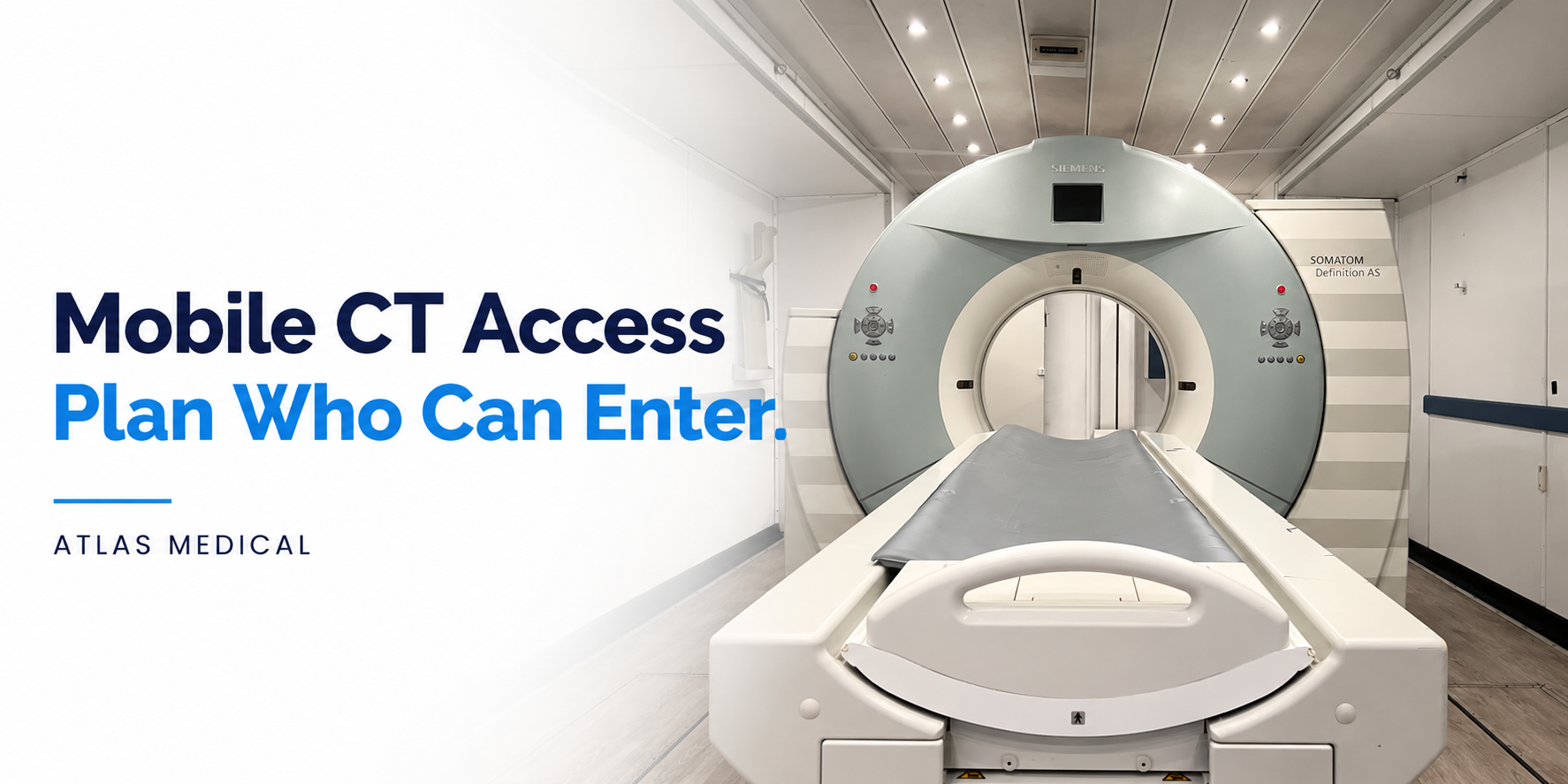
A mobile CT project changes more than the location of the scanner. It creates a temporary work area with its own doors, control room, workstations, equipment and service access points. Before the unit enters routine use, the hospital should decide who may enter, how access is granted and what happens when normal staffing changes.
An access plan is not a list of names taped beside a door. It is a controlled record that connects each person or role to an approved purpose, access method, effective period and responsible owner. The plan should follow the hospital's security, privacy, facilities, clinical and emergency procedures.
This article is an administrative planning guide, not legal, compliance or clinical advice. The hospital remains responsible for determining which policies and requirements apply to its project.
Start With the Spaces and Systems That Need Control
Physical entry and information-system access are related, but they are not the same permission.
A project team may need to address access to:
- The trailer or temporary unit entrance.
- The procedure or scanner room.
- The control room and operator workstations.
- Equipment, supplies and restricted storage.
- Exterior support areas or service compartments.
- Hospital systems reached from the temporary unit.
Someone who can enter the unit should not automatically receive access to every workstation or system. Likewise, a staff member's hospital credentials do not establish that the person has been oriented to the temporary space. Keep physical-access decisions and system-access decisions visible as separate fields.
The HIPAA Security Rule's physical-safeguard provisions require regulated entities to limit physical access to electronic information systems and the facilities housing them while allowing properly authorized access. The regulation also identifies role- or function-based access validation, visitor control and maintenance records as planning areas. Apply those requirements through the hospital's privacy and security program when electronic protected health information is involved.
Define Access Categories Before Assigning Individuals
Begin with roles and purposes rather than building a permanent list around the first week's schedule. Useful project categories may include:
- CT technologists and imaging leadership.
- Nursing or other approved clinical support roles.
- Facilities, security, environmental services and IT.
- Clinical engineering and authorized equipment support.
- Atlas or other approved vendor personnel for an agreed task.
- Construction personnel who require access to a defined area.
- Visitors who must remain escorted.
For each category, identify the spaces needed, the reason for entry, permitted hours and whether an escort is required. Do not infer access from a job title alone. The responsible hospital teams should approve the role and confirm any prerequisites under local policy.
Build a Mobile CT Access Register
A concise register gives the project team one place to check current decisions. Consider these fields:
| Field | Question to answer |
|---|---|
| Person or role | Who is requesting access? |
| Approved purpose | What project or operational task requires entry? |
| Areas | Which physical spaces are included? |
| Access method | Key, badge, code, escorted entry or another approved method? |
| Effective period | When does access begin and end? |
| Restrictions | Are there time, escort or task limits? |
| Approver and owner | Who authorized access, and who maintains the record? |
| Return or revocation status | Has the credential been returned, disabled or reissued? |
Keep this register separate from schedules that contain patient information. Use identifiers and storage methods allowed by the hospital's policy.
Plan Keys, Badges and Temporary Credentials
The project team should record how many physical keys, badges or other credentials exist; who receives each one; and who controls replacements. A handoff should identify the credential, recipient, date and accepting owner.
Avoid shared credentials where hospital policy requires individual accountability. If the project uses a temporary code or a vendor-controlled lock, document who administers it, how changes are approved and when it will be retired. Do not publish door codes or access details in general project messages.
The plan should also state what happens when a credential is lost, a staff assignment changes or a contractor completes work. Fast revocation depends on knowing which team owns the credential and which team can disable or replace it.
Control Vendor, Maintenance and Visitor Entry
Service and project work may occur outside the daily imaging schedule. Define the route before a visit begins:
- Who requests the visit?
- Who confirms the person's identity and purpose?
- Which areas may the visitor enter?
- Is an escort required?
- Who confirms the visit is complete and the space is secured?
- Where is the visit or facility modification recorded?
When a visit involves a workstation, equipment cabinet, network connection or area where protected information may be visible, the hospital's security and privacy teams should determine the applicable controls. A vendor relationship does not by itself grant unrestricted access.
Address After-Hours and Emergency Entry Separately
Normal access hours may not cover every situation. The access plan should point to the hospital's established emergency and incident procedures and identify the approved route for urgent entry. It should not invent a second emergency process for the temporary unit.
Record the after-hours contact path, backup contact, authorization method and handoff owner. Distinguish a confirmed coverage arrangement from an assumption that someone will be available. If an open issue crosses a shift, name the person or role accepting responsibility for the next action.
Test the Plan Before Routine Use
Use a short walkthrough to verify the record against the actual unit and hospital workflow. Test practical questions such as:
- Can each approved role reach the intended entrance during permitted hours?
- Do badges, keys or codes work only where expected?
- Is escorted access clear to security and the receiving department?
- Can the team identify the owner of a lost credential or access change?
- Are vendor and facilities visits documented through the correct process?
- Are physical entry and system login treated as separate approvals?
- Does the closeout plan include credential return or revocation?
Record unresolved questions with an owner and due date. A successful door test does not prove that every policy, system permission or emergency pathway is complete.
Make Access Control Part of Project Closeout
Temporary access should not remain active simply because the project ended quietly. Before the unit leaves or the hospital returns to its permanent department, reconcile keys and badges, revoke temporary permissions, close visitor arrangements and retain the appropriate project record.
The same access register used at startup can support this closeout. Its value comes from showing what was approved, what changed and what was returned or revoked—not from creating another uncontrolled list.
Hospitals planning temporary imaging can review Atlas Medical's mobile CT scanner information and use the Atlas contact page to begin a project-specific discussion.