
Your permanent cath lab is being replaced. The team knows its current system, and the first request for temporary coverage is straightforward: “Can we rent the same platform?”
That is a useful starting point. It gives the project team a concrete reference for controls, applications and working preferences. But a manufacturer and model name do not describe everything a hospital uses in its existing room. Before selecting a temporary lab, compare the proposed unit with the work the hospital needs to continue during the replacement period.
The goal is a practical equipment decision: which similarities matter, which differences can be accommodated, and which unresolved requirements would prevent the hospital from selecting the proposed configuration?
Start with what the current room actually uses
Ask the cath lab team to describe a normal working day in the existing room. Which imaging applications are routinely used? Which functions are essential for the procedures planned during the temporary period? Which accessories and supporting devices belong to the hospital rather than the imaging system?
Separate essential requirements from preferences. A feature that appears in a manufacturer brochure may never be used by that hospital. Conversely, a small accessory or a particular display arrangement may be central to how its team works. A useful comparison starts with actual practice, with the clinical team defining what matters.
Use current equipment records and the relevant system documentation to identify the installed model and software release. Record important applications and accessories by their actual names. Avoid relying on an informal description such as “our Philips room” when several configurations may fit that description.
Compare the proposed unit, not the product family
Request information for the specific temporary system under consideration. Ask which applications and accessories are included in that proposal, what the hospital must supply, and whether any requested element remains unconfirmed.
Distinguish three kinds of information:
- A capability described in general manufacturer literature.
- A feature documented as installed on the proposed system.
- A configuration confirmed for the hospital’s planned project.
These are different levels of evidence. For example, Philips describes customizable Xper Settings on its Allura Xper FD20 Circular Edition product page. That illustrates why familiar branding alone does not establish an identical setup. It does not identify the settings, software or options installed on any particular Atlas trailer.
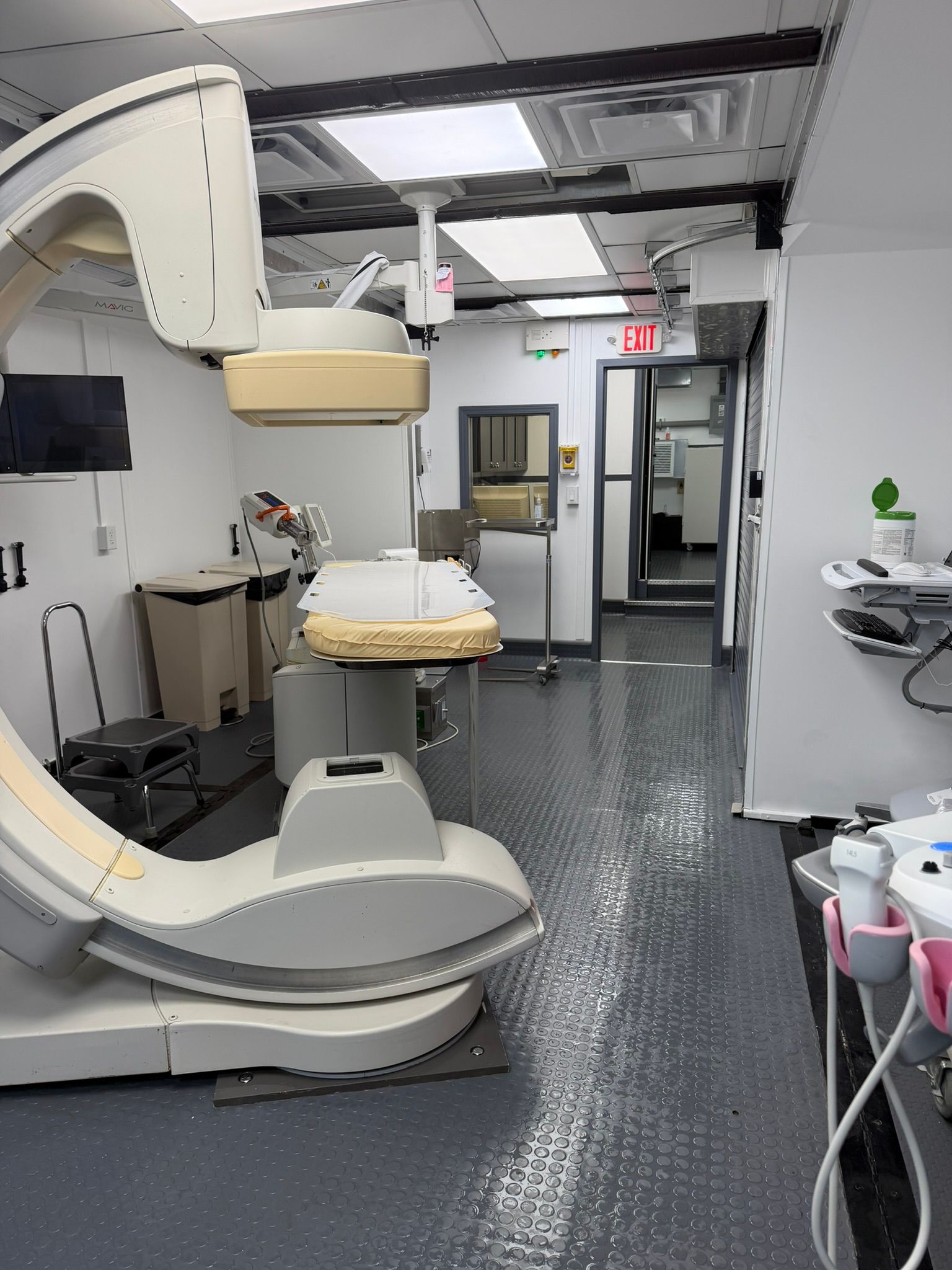
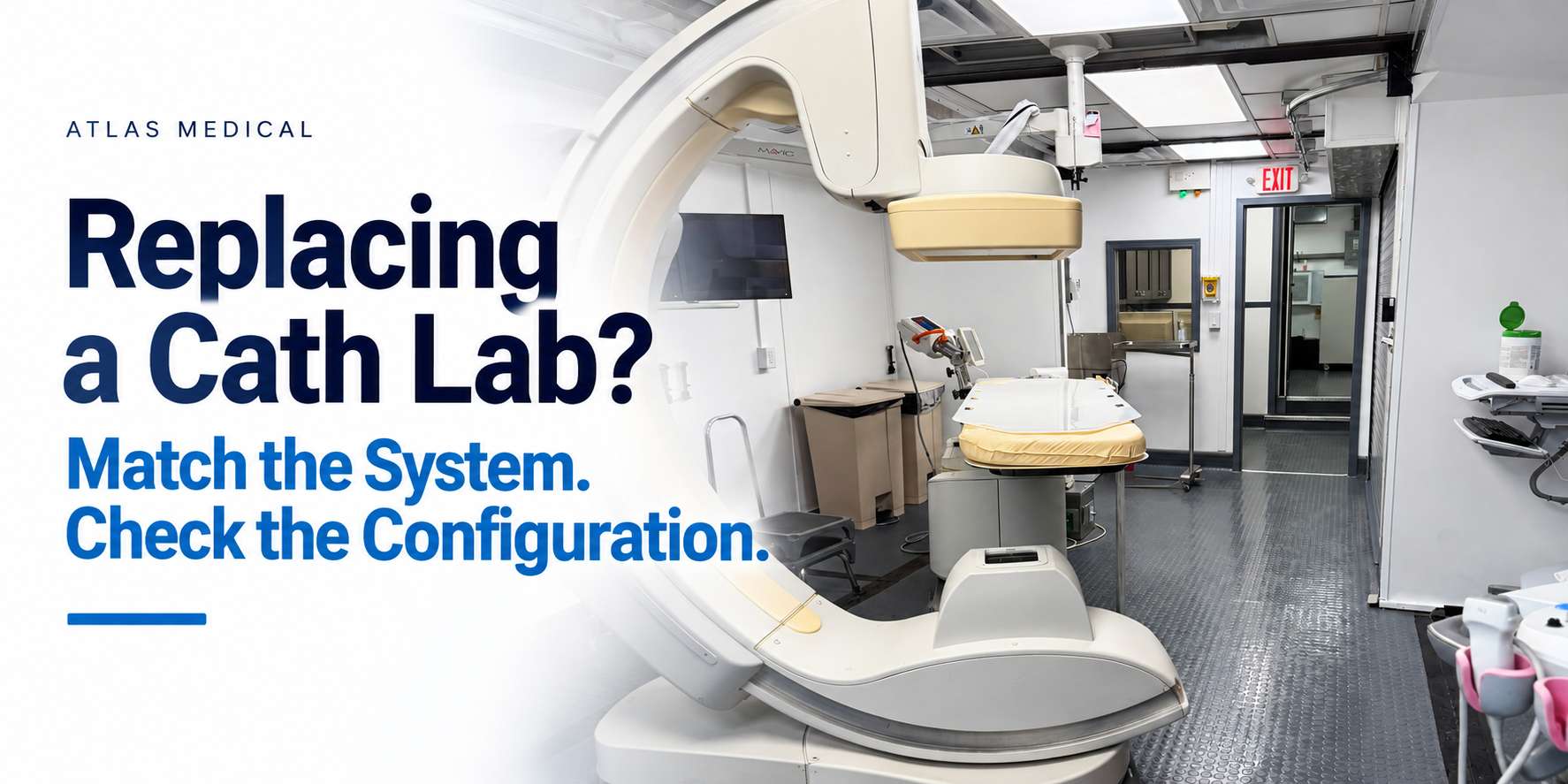
Ask the provider to resolve material gaps before treating the equipment match as complete. A photograph can help explain the room, but it cannot establish a software license, an included application or the scope of the rental proposal.
Give each difference a practical consequence
Consider a hypothetical hospital that requests the same imaging platform it already uses. The proposed unit appears familiar, but one application has not been confirmed, a hospital-owned accessory is absent from the proposal, and the displays are arranged differently.
Those differences need separate answers. The application requires configuration evidence. The accessory requires a decision about supply, compatibility and responsibility. The display arrangement calls for a room review with the staff who will use it. Calling all three “training issues” would leave the equipment selection incomplete.
For each important difference, determine whether it changes the proposed scope, needs technical confirmation, or belongs in orientation and applications training. The hospital’s responsible teams should decide what is acceptable for the intended work. Keep unresolved requirements visible when comparing proposals; do not silently treat them as included.
Check the room around the familiar system
The equipment match also has a physical side. Review the actual arrangement of the table, imaging equipment, displays, controls and hospital-supplied devices. Include the people who will work in the procedure room and control area.
Philips’ general Allura Xper FD20 ceiling-layout guidance explicitly recognizes that site conditions and equipment configuration can affect room design, and recommends project-specific drawings. That general principle is useful when evaluating a temporary environment: a typical manufacturer layout is not the assigned trailer’s floor plan.
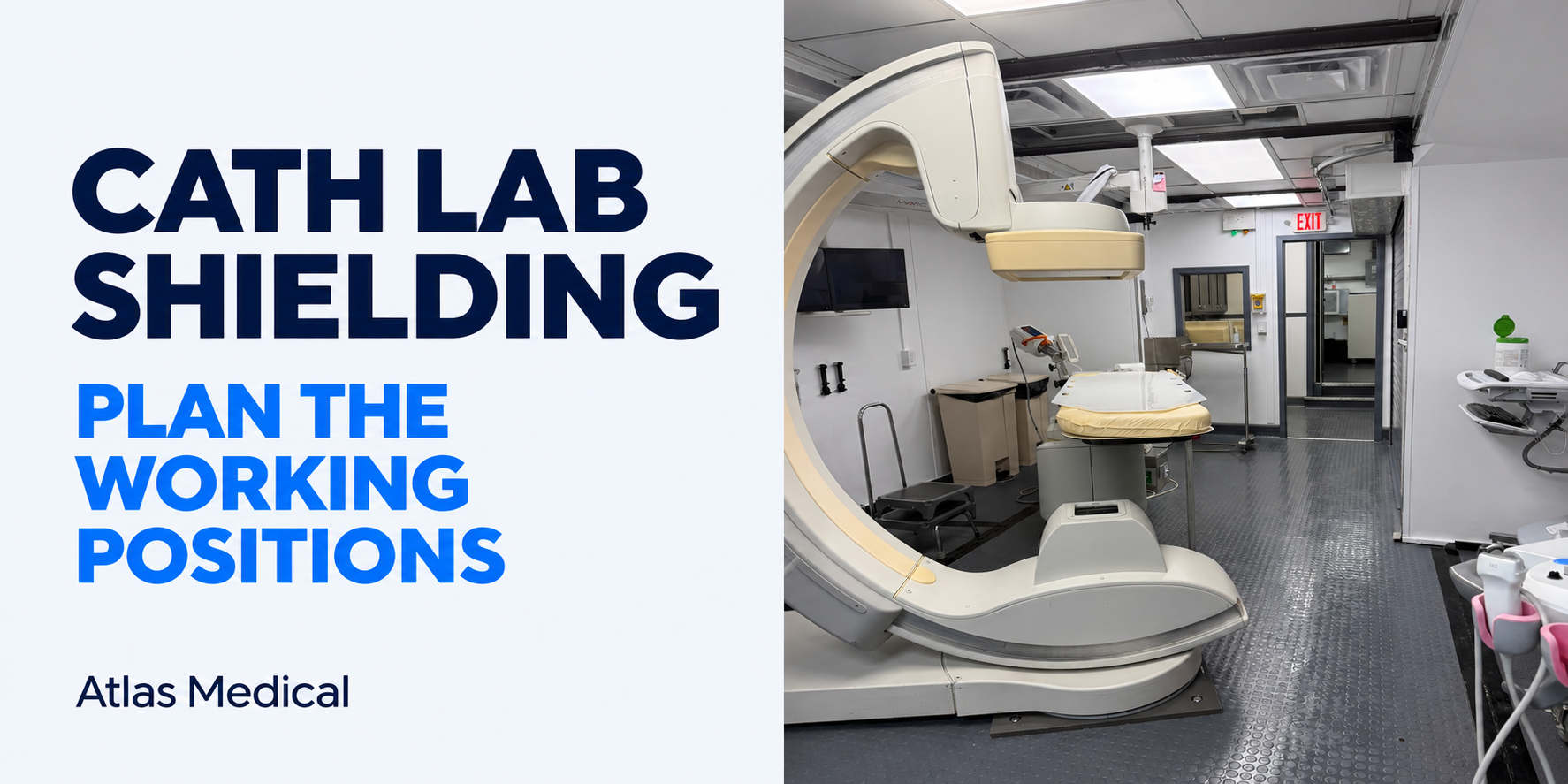
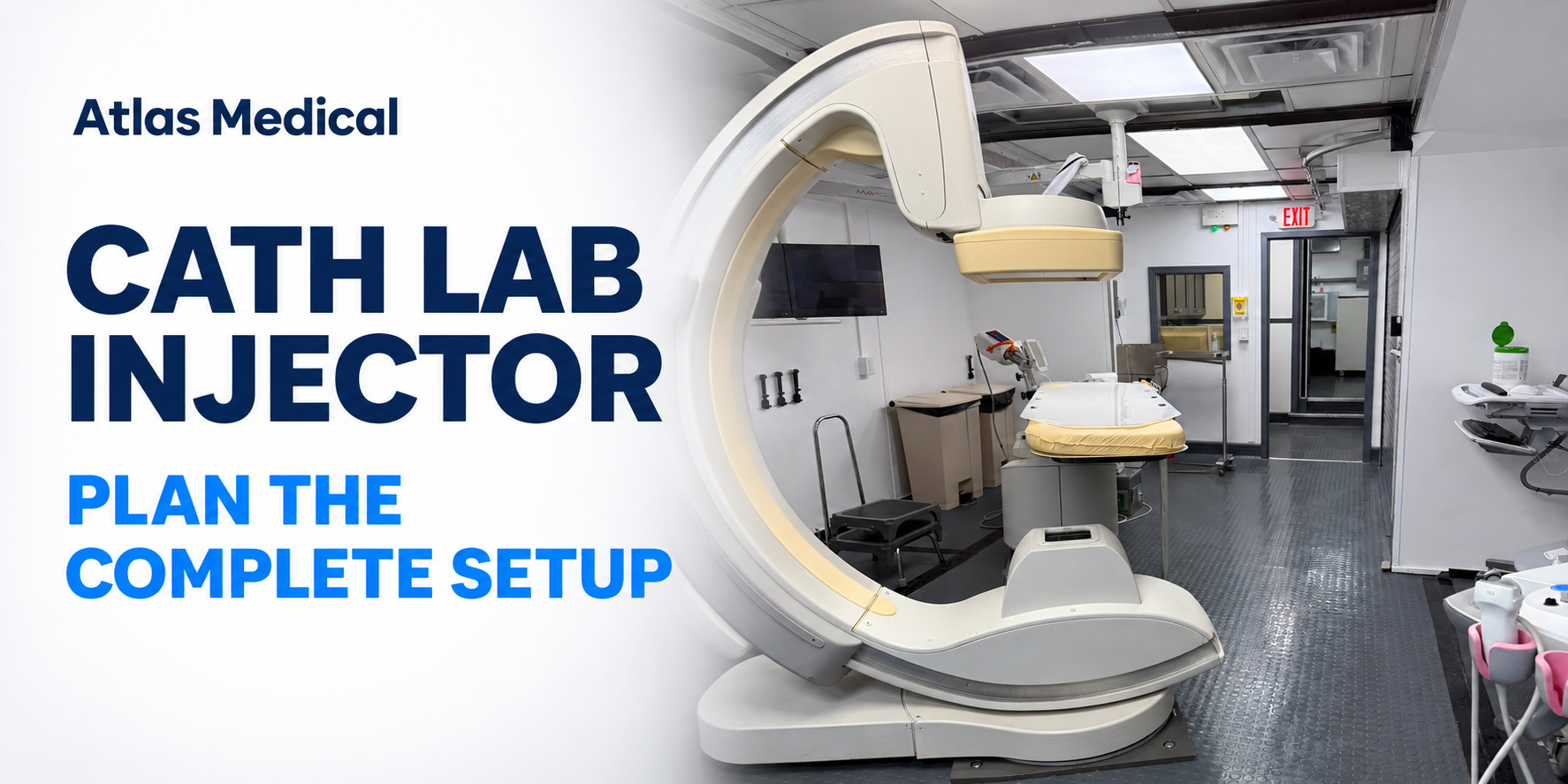
Use the proposed unit’s drawings and authentic interior imagery together. If the hospital plans to bring anesthesia equipment, monitoring equipment or supply carts, review those actual items in the layout. Familiar equipment does not remove the need to evaluate working positions and access in a different room.
Keep connectivity and training in the selection conversation
Bring clinical engineering and IT into the comparison early enough to identify dependencies. Ask for documentation that matches the proposed system and release, then agree how hospital connections will be evaluated. A product-family description is not evidence that the hospital’s particular environment has been tested.
Once the equipment differences are understood, use them to define the training discussion. Staff may recognize the platform while still needing preparation for a different configuration or room arrangement. Atlas’s guide to preparing for mobile cath lab applications training addresses that next stage; the selection decision should supply the confirmed equipment information that makes the training plan specific.
Bring a focused comparison to the project discussion
For a renovation or replacement discussion, bring the current system’s model and release, the essential applications and accessories, the work planned during the temporary period, and the expected dates. Ask to compare those needs with a specific proposed unit.
A familiar platform can be a sensible preference. The stronger selection decision connects that preference to documented equipment, a workable room arrangement and clearly resolved responsibilities. Contact Atlas Medical to discuss the system your team currently uses and the temporary cath lab requirements for your project.