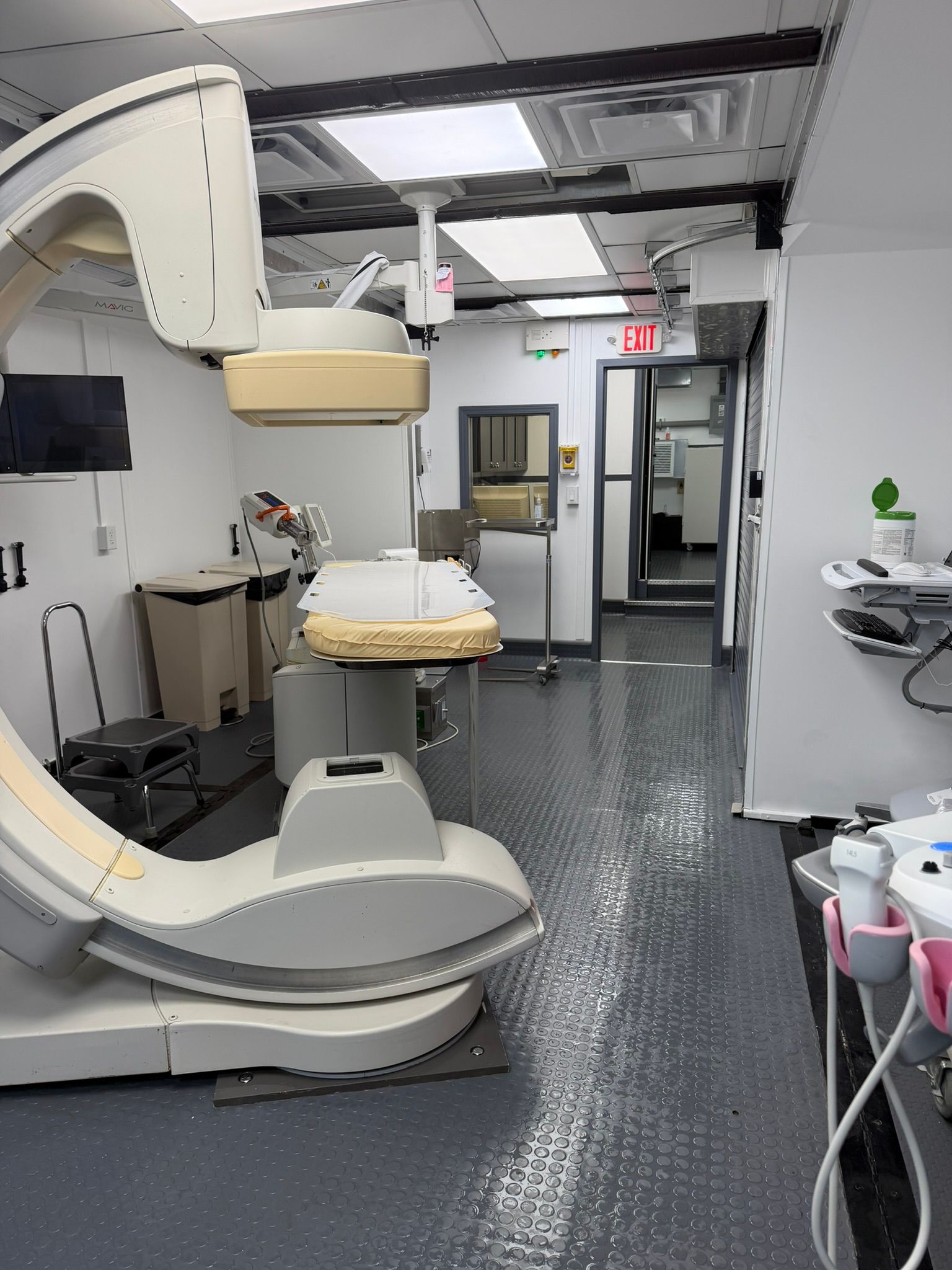

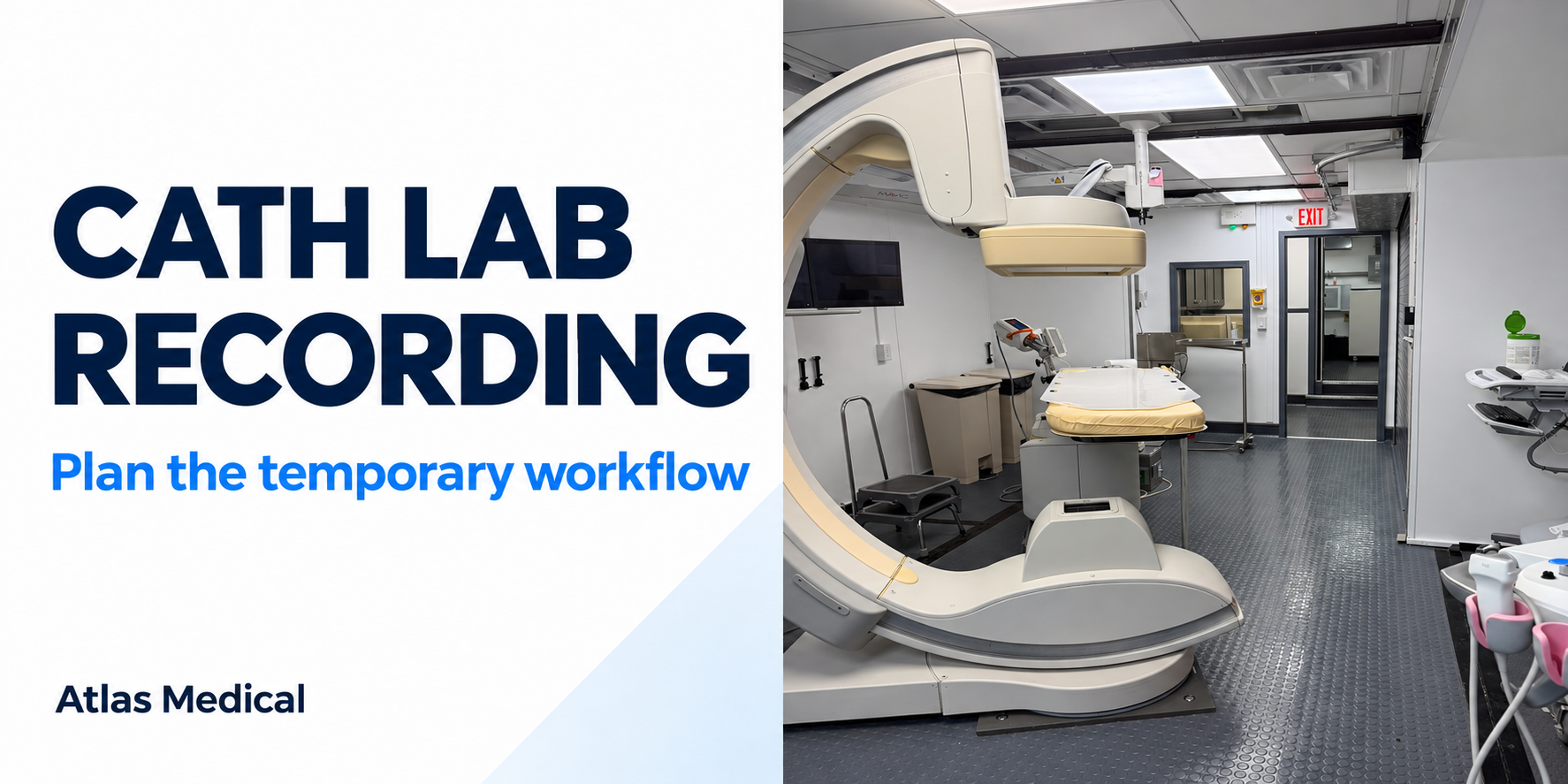
A hospital replacing its cath lab may spend weeks comparing the temporary imaging system with the equipment coming out of service. A separate question deserves equal attention: where will the team record the procedure, and how will that information reach the hospital’s normal reporting workflow?
A familiar angiography system does not, by itself, answer that question. Before choosing the interim arrangement, bring the cath lab manager, clinical engineering, cardiology informatics and the relevant equipment representatives into a discussion about the actual recording system and its connections. The aim is a workable plan for the assigned room, the hospital’s intended procedures and the people who will use it.
Define what the hospital needs to carry over
Start with the workflow in the current department. Ask the team to describe how a case is identified, which information is recorded during it, where the report is completed and where authorized staff retrieve it afterward. Keep the discussion concrete enough to reveal dependencies that an equipment list might miss.
For example, the hospital may want to preserve a familiar reporting template or a connection to its existing electronic medical record. Another team may be concerned about access to the recording workstation from its normal working position. These are different requirements. A display, a recording application and a downstream report are related parts of the workflow; confirming one does not confirm all three.
Manufacturer descriptions illustrate the distinction. Philips describes Xper IM as a cath lab information-management solution with reporting and interfaces to hospital information systems, PACS and electronic medical records. GE HealthCare describes Mac-Lab as a hemodynamic recording system with documentation and downstream data-exchange capabilities. Those product descriptions explain questions worth asking; they do not establish the equipment, options or interfaces installed in any particular temporary lab.
Resolve the supply arrangement before the move
Ask which recording equipment is proposed for the temporary room and who is responsible for providing it. Is the proposal to relocate hospital equipment, use a system supplied with the temporary arrangement, or establish another agreed configuration? Keep each possibility provisional until the responsible parties confirm that it is supportable for the project.
If hospital equipment is proposed for transfer, include the people responsible for its current service agreement and software environment. Moving a workstation is only one part of the discussion. Ask about the associated hardware, accessories, licensed software, required connections and the resources needed to put the system into service at the new location.
If another recording system is proposed, compare the actual configuration with the hospital’s requirements. A product-family name is a starting point. The useful answer identifies the software release, installed functions and responsibilities for any work still needed. Do not treat a brochure option as an included component.
Review the connections one workflow at a time
Have hospital IT and the applicable suppliers distinguish what stays in place from what changes during the replacement. Ask how the proposed system will receive the information it needs and where its output is expected to go. Include the hospital’s authorized security and access review in that discussion.
Be precise about the result the team expects to see. “Connected to the hospital” is less useful than identifying the receiving system, the intended information and the person who will verify it. A successful image transfer, for example, should not be used as evidence that a separate recording or reporting interface is working.
Use documentation for the actual release. Philips publishes separate DICOM conformance statements for different Xper IM versions, illustrating why a generic compatibility statement is insufficient. The hospital’s technical reviewers should assess the relevant documentation and the proposed interface together. This planning step does not replace supplier configuration work or hospital acceptance testing.
Give staff a realistic workflow review
Before building assumptions into the interim schedule, arrange a review with the staff who will record cases and complete reports. Have them identify differences in access, screen layout, documentation and handoffs that may need training or configuration attention. Keep demonstrations and testing within the hospital’s approved process, using authorized test information rather than patient details in general project correspondence.
The review should leave a clear distinction between something demonstrated, something still proposed and something requiring correction. If an expected report or field is missing, assign that issue to the appropriate technical and clinical owners instead of assuming it will be resolved after the move.
SCAI’s cath lab best-practices consensus addresses staff qualifications, team organization and laboratory governance. For a replacement project, a practical application is to make the relevant hospital leaders responsible for deciding what review and preparation their interim workflow requires. A familiar brand is not a substitute for that decision.
Plan support and the eventual return together
Ask who will receive recording-system questions during the rental, who handles interface issues and how unresolved problems reach the hospital’s responsible team. Confirm the applicable support arrangement rather than assuming that imaging equipment service and hospital information-system support are the same responsibility.
Also identify what happens when the permanent lab returns. Equipment relocation, report access and any remaining data-handling decisions need their own authorized plan. Record which decisions must be revisited if the assigned configuration or project timeline changes.
For an early project discussion, bring the current recording-system name and release, the workflow the hospital wants to preserve and the known open questions. Contact Atlas Medical about your replacement project so the proposed temporary arrangement can be reviewed against those needs.