Seamless Imaging Flow: Integrating a Philips Azurion or Allura Trailer with Your PACS & EMR
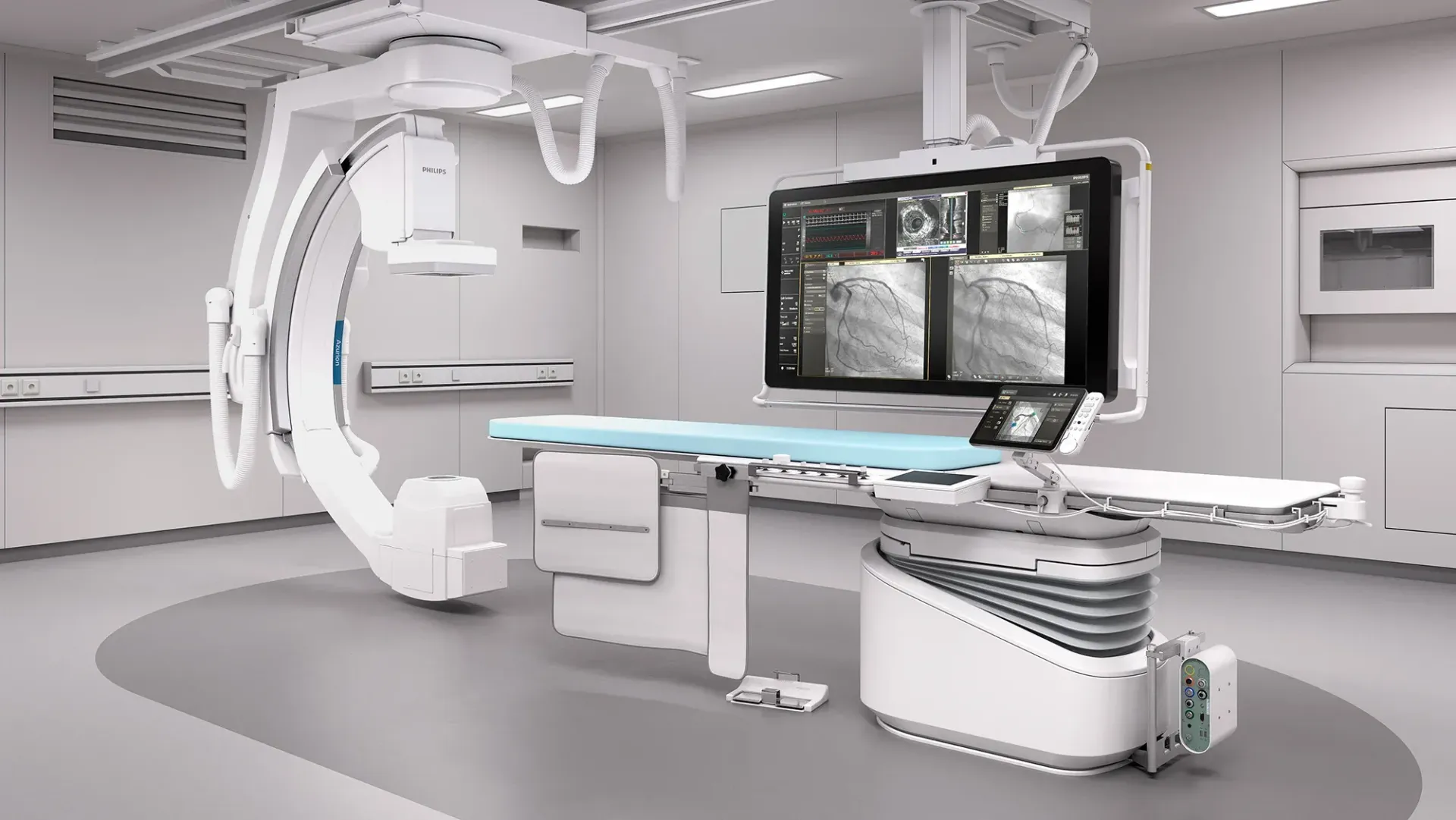
Philips Azurion and Allura Cath Lab and IR Suite Rentals
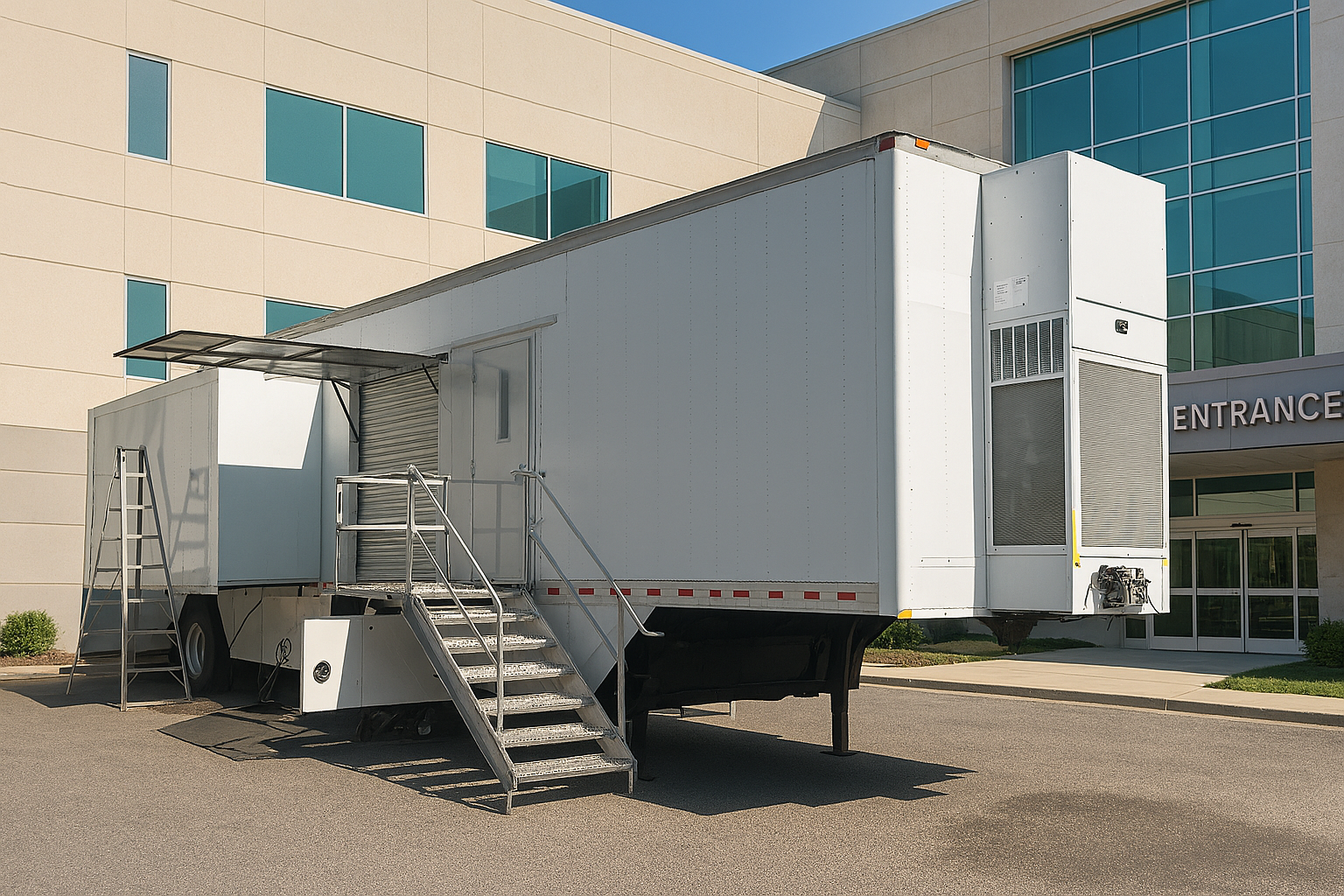
Why Integration Can’t Be an Afterthought
When you’re ready to deploy, grab specs and timelines on our Mobile Cath Lab Rentals page.
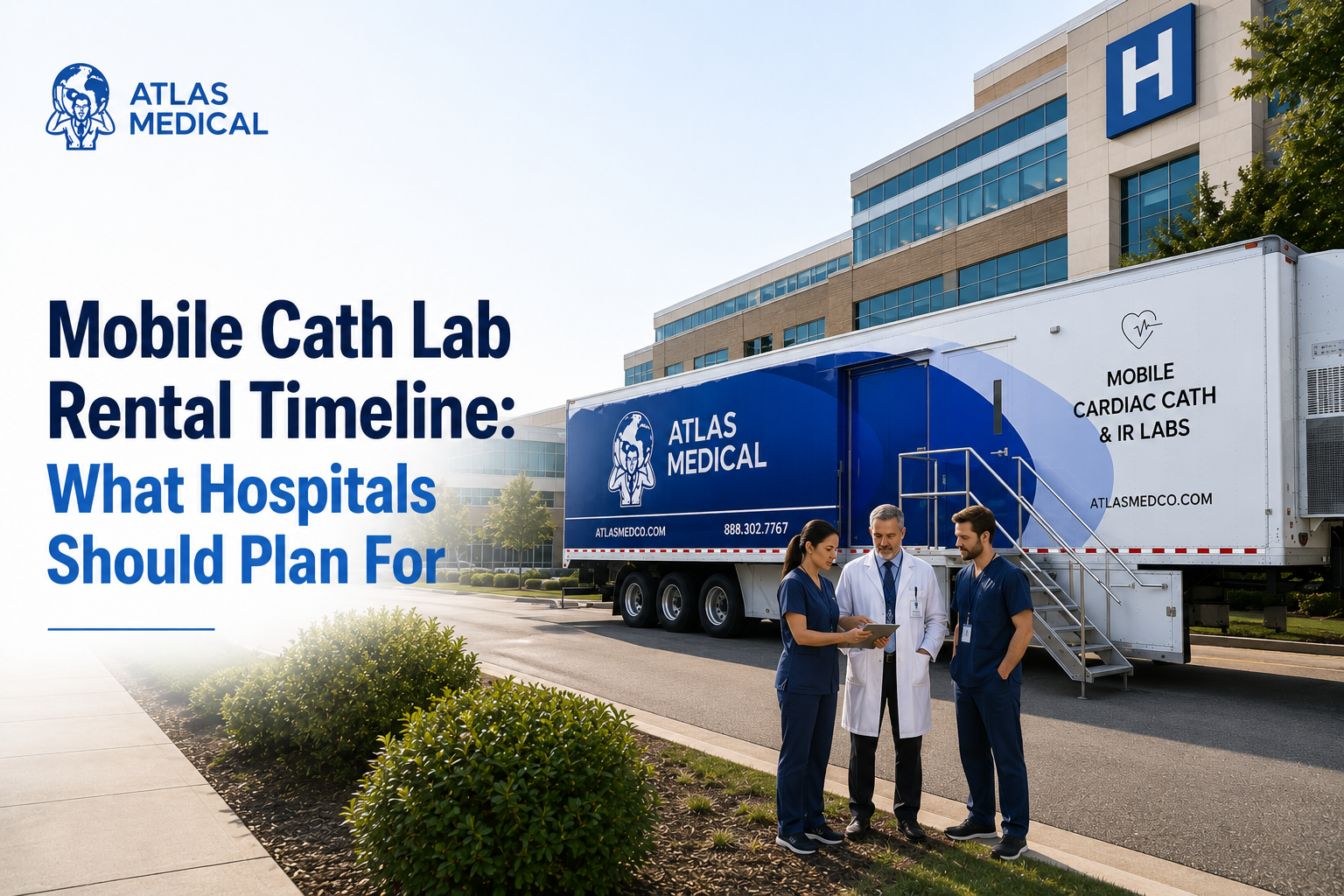
A mobile cath or IR lab only earns its keep when every case auto-routes to PACS, reports file to the EMR, and your scheduling system treats the trailer as just another room. Atlas Medical designs our Philips Azurion and Allura mobiles and modulars to drop into existing IT stacks with minimal configuration, so radiologists, cardiologists, and HIM teams never miss a beat.
Three Interfaces That Matter—and How the Trailer Handles Each One
- DICOM Store (Images to PACS)
- The Azurion and Allura fluoro console sends DICOM studies over a 1 Gb Cat 6A or 7 link.
- Configurable AE Title, port (default 104), and IP address—same as your fixed room.
- Supports C-Store verification; storage commitment available if your PACS uses it.
- HL7 ORM / ORU (Orders & Reports)
- Worklist pulls via HL7 v2 ORM; maps ADT patient IDs exactly as your RIS does.
- Procedure-end triggers an ORU message with dose and procedure details for auto-population in the EMR.
- IHE Scheduled Workflow & Dose SR
- Azurion complies with IHE SWF, so modality worklist, performed-procedure step, and dose structured reports flow without custom scripting.
- Radiation-dose objects file to your dose-tracking software (Radimetrics, DoseWatch, etc.).
Typical Go-Live Timeline for IT Integration
T-14 days - Request static IPs, AE Titles, and HL7 endpoints
T-7 days - Atlas pre-loads IPs and tests loopback DICOM
Delivery Day - Switch network cables, ping verification
+4 hrs - PACS admin accepts first test study
+6 hrs - HL7 orders and final reports validated
+22 hrs - First live case auto-routes to PACS and EMR
Security & Compliance Highlights
- TLS 1.2 encryption available for DICOM and HL7 over VPN.
- Windows 10 IoT OS hardened to CIS benchmarks; only required ports opened.
- Audit logs exportable to your SIEM via Windows Event Forwarding or syslog.
Five Best Practices to Make Integration Painless
- Re-use the AE Title from your fixed Philips room; fewer RIS changes.
- Mirror network VLANs—trailer traffic stays segregated yet routable.
- Schedule a 30-minute cut-over window when no elective cases are running.
- Perform a phantom dose test and store the Dose SR before first patient.
- Keep your PACS admin on call during day-one cases—rarely needed, always reassuring.
Need a Detailed IT Checklist?
Scroll to the Contact Us form below and send us some basic info on your upcoming project. We'll have one of our specialist reach back out to you within 1 business day.
Make your Philips Azurion or Allura trailer feel like it’s always been part of the hospital—no extra clicks, no manual uploads, just seamless care.
No, we’re not changing the world. But we help the healthcare providers that are.
-Atlas Medical
Sean Schneider
Mobile Project Manager · Atlas Medical
About the Author
Say hello to Sean Schneider - our Mobile Project Manager at Atlas Medical. Sean has worked in the medical imaging industry for over 20 years, including 10 years with Atlas Medical.
Sean has a knack for making complicated projects simple to understand. Around here, Sean's the man who keeps things moving smoothly.
When Sean isn't helping launch our mobile imaging units at new sites he enjoys spending time with his family, golf, and hockey.
Request a Mobile Imaging Solution
Our Services Include: